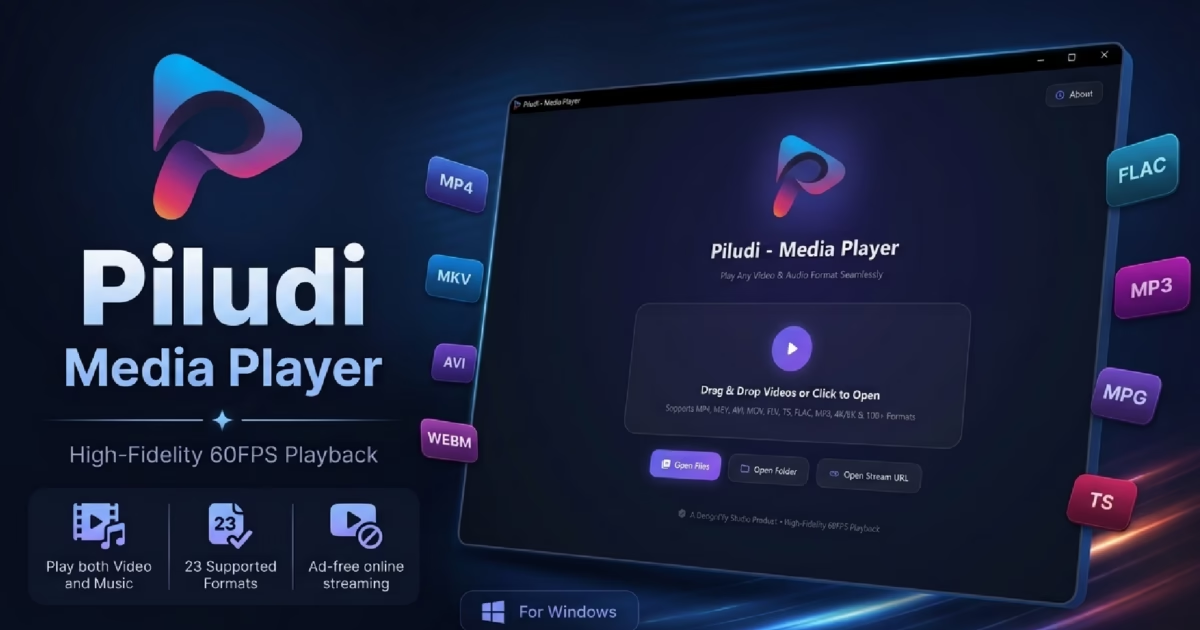
Software Launch & Deep Dive: Piludi – Media Player (v1.0.0.0) has arrived on Windows 10 & 11. Engineered as a high-performance, fully offline desktop media suite, it combines butter-smooth 4K & 8K GPU hardware decoding with advanced styled ASS/SSA subtitle rendering and lossless audio playback across all major containers.
Specifically, whether you are a cinephile enjoying high-bitrate 4K HDR cinema, an anime enthusiast watching 10-bit releases with elaborate stylized subtitles, or a video editor reviewing raw camera footage, having a reliable, studio-grade Media Player is indispensable. Yet, for years, Windows users have been forced to choose between legacy software with outdated user interfaces or bloated commercial players that bombard screens with intrusive advertisements, background tracking telemetry, and sluggish startup times.
In fact, modern video playback is no longer just about decompressing basic video files. Today’s cinema landscape relies heavily on demanding codecs like HEVC (H.265), AV1, and VP9 alongside high-frequency frame rates (60fps and 120fps). When an inefficient player attempts software-only decoding on your CPU, you experience dropped frames, audio desynchronization, loud cooling fans, and severe battery drain on portable laptops.
Therefore, to solve this fundamental gap in Windows entertainment software, DesignoFly Studio is proud to announce the official release of Piludi – Media Player (Version 1.0.0.0), available now on our official Piludi – Media Player Software Hub (with verified Microsoft Store installation). In this comprehensive review and architectural guide, we explain how the software works, break down its dedicated libmpv GPU acceleration pipeline, and demonstrate why it is the definitive offline media player for Windows.
Get Piludi – Media Player (v1.0.0.0)
100% Offline, Butter-Smooth 4K & 8K GPU Playback, Styled ASS/SSA Subtitles, Lossless Audio. View full technical specs, screenshots, and get direct Microsoft Store installation on our dedicated software page.
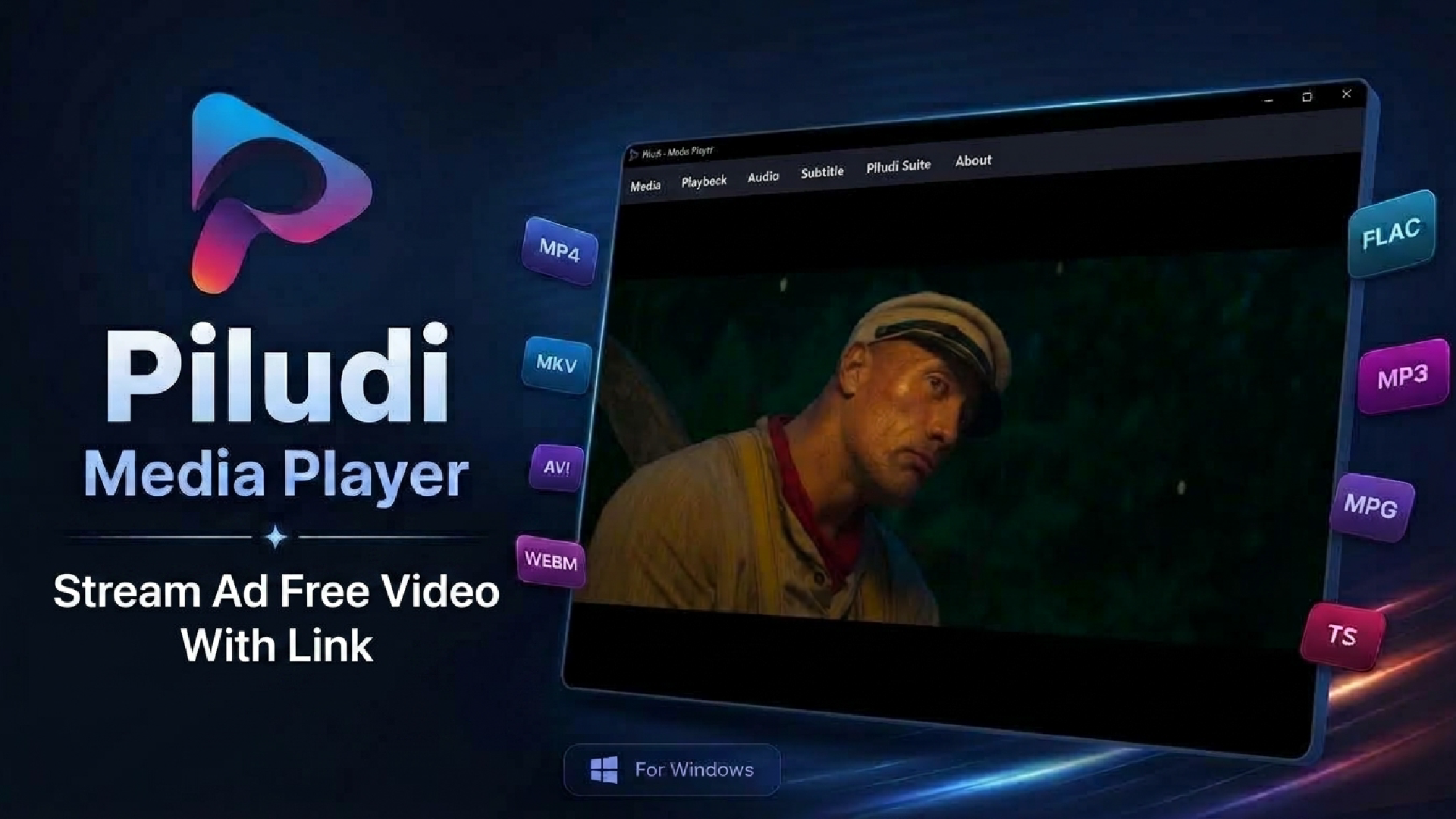
🔬 How Piludi Media Player Works: Under the Hood
For example, unlike generic media players that rely on outdated media decoders, Piludi – Media Player is built around a dedicated dual-engine processing pipeline:
Engine 1: libmpv & GPU Hardware Pipeline
Harnesses the world-class libmpv rendering core and connects directly to DirectX 11, NVIDIA NVDEC, Intel QuickSync, and AMD AMF hardware decoders. This guarantees zero-copy GPU video playback for 4K and 8K 60/120fps video streams with ultra-low CPU utilization.
Engine 2: SubStation Alpha (ASS/SSA) Vector Parser
Features an advanced subtitle rendering parser that executes complex typography, custom vector font glyphs, karaoke animations, and coordinate positioning. Includes an on-the-fly timing engine to adjust audio delay or advance in millisecond steps.
🏆 Why Piludi is the Best Media Player: 6 Standout Features
1. Butter-Smooth 4K & 8K GPU Playback with Zero Stutter
When you play high-resolution video with Piludi, hardware decoding takes over entirely:
- Direct Hardware Acceleration: Offloads heavy mathematical decompression directly to your GPU (NVIDIA GeForce, Intel Iris/Arc, AMD Radeon) via DirectX 11.
- Zero Dropped Frames: Silky-smooth 60fps and 120fps high refresh rate video rendering with zero stutter or lag.
- Ultra-Low Battery Drain: Minimal CPU utilization keeps laptops cool, prevents fan noise, and maximizes battery longevity.
- Universal Codec Built-In: Plays HEVC (H.265), AV1, VP9, and H.264 without installing third-party codec packs.
2. Advanced Subtitle Rendering Engine (Full ASS/SSA & SRT Mastery)
Subtitles are essential for movies, documentaries, foreign cinema, and anime. Standard subtitle engines frequently render broken fonts or display captions in incorrect screen positions.
Piludi provides comprehensive SubStation Alpha (.ass / .ssa) and SubRip (.srt) rendering. It executes custom font typography, multi-colored dialogue bubbles, and karaoke effects exactly as intended by creators. Furthermore, with hotkey timing calibration, you can advance or delay subtitles by milliseconds to eliminate audio desynchronization instantly.
3. Universal Video & Lossless Audio Compatibility (20+ Containers)
Moreover, Piludi eliminates frustrating “Format Not Supported” errors. It natively opens virtually every desktop media container—including MKV (Matroska), MP4, WebM, AVI, QuickTime MOV, TS, M2TS, MTS, FLV, WMV, VOB, and 3GP. For audiophiles, Piludi provides bit-perfect playback for FLAC, WAV, ALAC, AIFF, AAC, and MP3 tracks, complete with instant multi-track commentary switching.
4. Precision Playback Controls & Frame-Accurate Seeking (0.25x – 4.0x)
Consequently, reviewing footage or studying video lectures requires granular playback speed control. Piludi lets you smoothly adjust playback speed from 0.25x slow motion up to 4.0x high speed while maintaining natural audio pitch. In addition, frame-by-frame stepping enables video editors and sports analysts to examine critical moments with absolute precision.
5. Modern Windows 11 Fluent Dark Mode Interface
In contrast to legacy players that feel stuck in Windows 98, Piludi features a minimalist Fluent Dark Mode interface. Controls automatically hide during playback to provide pure, distraction-free viewing. Fullscreen toggles, volume gestures, and aspect ratio controls (16:9, 4:3, Fill, Stretch) respond instantaneously.
6. 100% Private, Secure & Completely Offline
Most importantly, your media habits belong to you alone. Piludi – Media Player is a 100% offline desktop application. It contains zero advertisements, zero promotional popups, zero background tracking, and requires no account registrations. Your personal movie collection, home videos, and private recordings never touch external servers or cloud services.
📊 Media Player Format Matrix: Complete Video & Audio Support
Piludi – Media Player supports an expansive matrix of desktop video containers, lossless audio codecs, and subtitle formats right out of the box:
| Media Category | Supported Formats & Extensions | Key Playback Benefit |
|---|---|---|
| Ultra HD Video Containers | MKV, MP4, WebM, MOV, AVI, TS, M2TS, MTS, FLV, WMV, VOB, M4V, 3GP |
Zero codec pack installations; instant playback of 4K/8K rips and raw camera footage. |
| Lossless & Hi-Res Audio | FLAC, WAV, ALAC, AIFF, AAC, MP3, OPUS, OGG, WMA |
Bit-perfect acoustic fidelity, studio sample rates up to 96 kHz, and multichannel audio. |
| Advanced Subtitle Formats | ASS, SSA, SRT, VTT |
Full vector font styling, gradient colors, coordinate positioning, and millisecond sync. |
| Broadcast & Streaming Protocols | HTTP, HTTPS, FTP, M2TS Transport Streams |
Direct playback from local hard drives, USB thumb drives, or home network storage. |
🎯 Universal Format Cloud:
MP4 (H.264 / HEVC / AV1)
WebM (VP9 / AV1)
MOV (QuickTime)
AVI (Xvid / DivX)
FLAC (Lossless Audio)
WAV (Uncompressed PCM)
MP3 (320 kbps)
ASS / SSA (Styled Subtitles)
SRT (Standard Captions)
💡 Three Practical Media Player Workflows
Workflow 1: Playing Stutter-Free 4K 60fps & 8K HDR Video Files
As a result, high-bitrate 4K files frequently choke older media players. With Piludi:
- Drop your 4K or 8K video file into the Piludi player window.
- DirectX 11 hardware decoding engages automatically to offload decompression to your GPU.
- Enjoy fluid 60fps or 120fps playback with cool system temperatures and zero dropped frames.
Workflow 2: Calibrating Out-of-Sync External Subtitles on the Fly
For instance, if you downloaded an external subtitle file that leads or lags the video track:
- Place your
.srtor.assfile in the same folder as the video, or drag and drop it onto the player. - Press Z to delay subtitles or X to advance subtitles in 50ms increments.
- Watch dialogue lock perfectly into sync in real time without restarting playback.
Workflow 3: Reviewing Video Footage & Lectures with Variable Speed (0.25x – 4.0x)
Furthermore, whether studying conference recordings or analyzing athletic footwork:
- Press the right bracket key (]) to increase speed smoothly up to 4.0x for rapid lecture review.
- Piludi automatically preserves natural voice pitch, preventing artificial distortion.
- Press the period key (.) to pause and step forward frame-by-frame for exact detail inspection.
❓ Media Player Frequently Asked Questions (FAQ)
Is Piludi – Media Player completely free to use?
Yes. Piludi – Media Player is 100% free with no in-app purchases, no subscription paywalls, and no advertising banners. It is available on the Microsoft Store for Windows 10 and 11.
Do I need to install external codec packs like K-Lite to play MKV files?
No. Piludi comes with self-contained decoders powered by libmpv. It natively handles MKV, MP4, WebM, MOV, AVI, FLV, and TS files immediately upon installation without third-party codec packages.
Does Piludi support complex ASS / SSA anime subtitles?
Yes, completely. Piludi includes a full SubStation Alpha vector subtitle engine that accurately renders custom on-screen typography, animated text transitions, karaoke fades, and exact screen coordinates.
Does Piludi collect telemetry or require internet access?
No. Piludi is an air-gapped desktop utility that operates 100% offline. It collects zero telemetry, conducts no tracking, and never transmits your media habits or files to remote servers.
Upgrade Your Viewing Experience with Piludi – Media Player
Experience butter-smooth 4K and 8K playback, styled subtitle rendering, and complete offline privacy on your Windows PC. Visit our official software page to inspect full technical specs, view screenshots, and get verified Microsoft Store access.