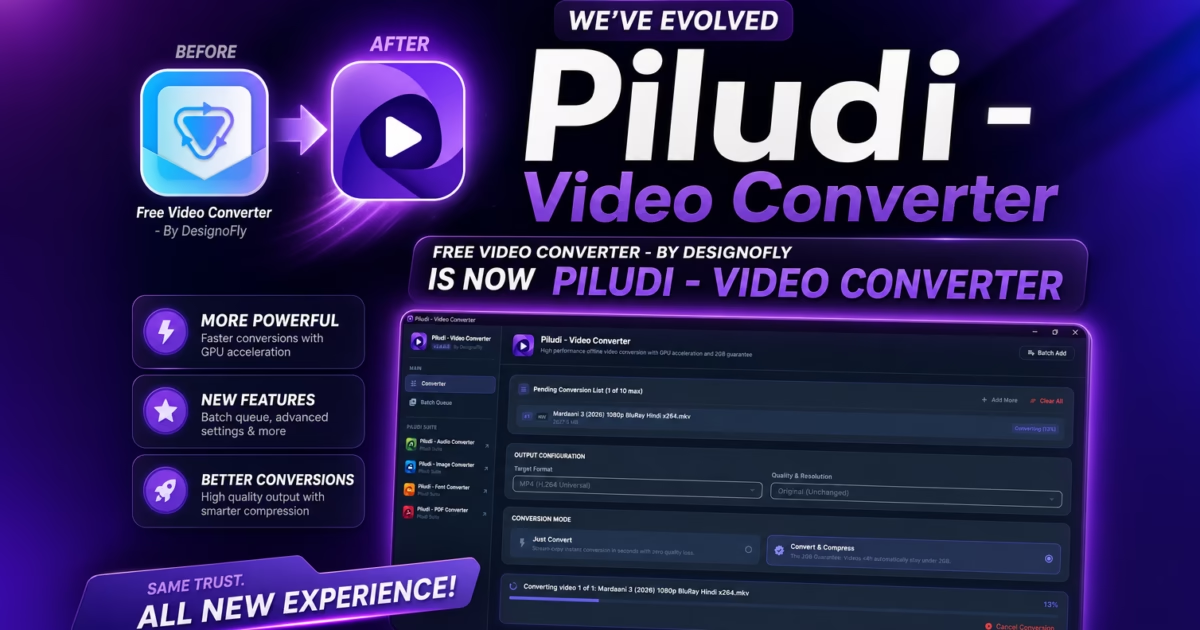
Software Architecture & Release Notes: Free Video Converter – By DesignoFly has officially graduated into Piludi – Video Converter (v2.0.0.0). This major milestone brings native GPU acceleration, lightning-fast container remuxing, smart 2GB compression, and full offline privacy to Windows 10 and Windows 11 users.
If you have ever needed to convert a video on a Windows PC, you are probably all too familiar with the modern internet’s biggest digital trap: online video converter websites. You search for a simple free video converter or MP4 video converter, land on a page plastered with flashing banner ads, upload your private family recording or company presentation to an anonymous cloud server, wait in a slow upload queue, and then discover your file is capped at 100MB unless you purchase an expensive monthly subscription.
In addition, at DesignoFly Studio, our philosophy has always been simple: everyday desktop creative tools should be fast, private, reliable, and completely free of artificial barriers. That foundational belief was the driving force behind our original utility, Free Video Converter – By DesignoFly. But as video resolutions transitioned from 1080p to 4K Ultra HD, and as modern video formats like HEVC (H.265), VP9, and AV1 became mainstream, we realized our users needed far more than a simple file switcher.
Today, we are thrilled to introduce Piludi – Video Converter (Version 2.0.0.0), the next-generation desktop video transcoding and compression workstation now live on our official Piludi – Video Converter Software Hub (with verified Microsoft Store installation). In this complete guide, we examine the evolution of the software, its cutting-edge engine features, its comprehensive matrix of 34 input and 10 export formats, and how it transforms 4K video workflows on your Windows machine.
Get Piludi – Video Converter (v2.0.0.0)
100% Free, Zero Cloud Uploads, Zero File Size Limits. View full technical specs, screenshots, and get direct Microsoft Store installation on our dedicated software page.
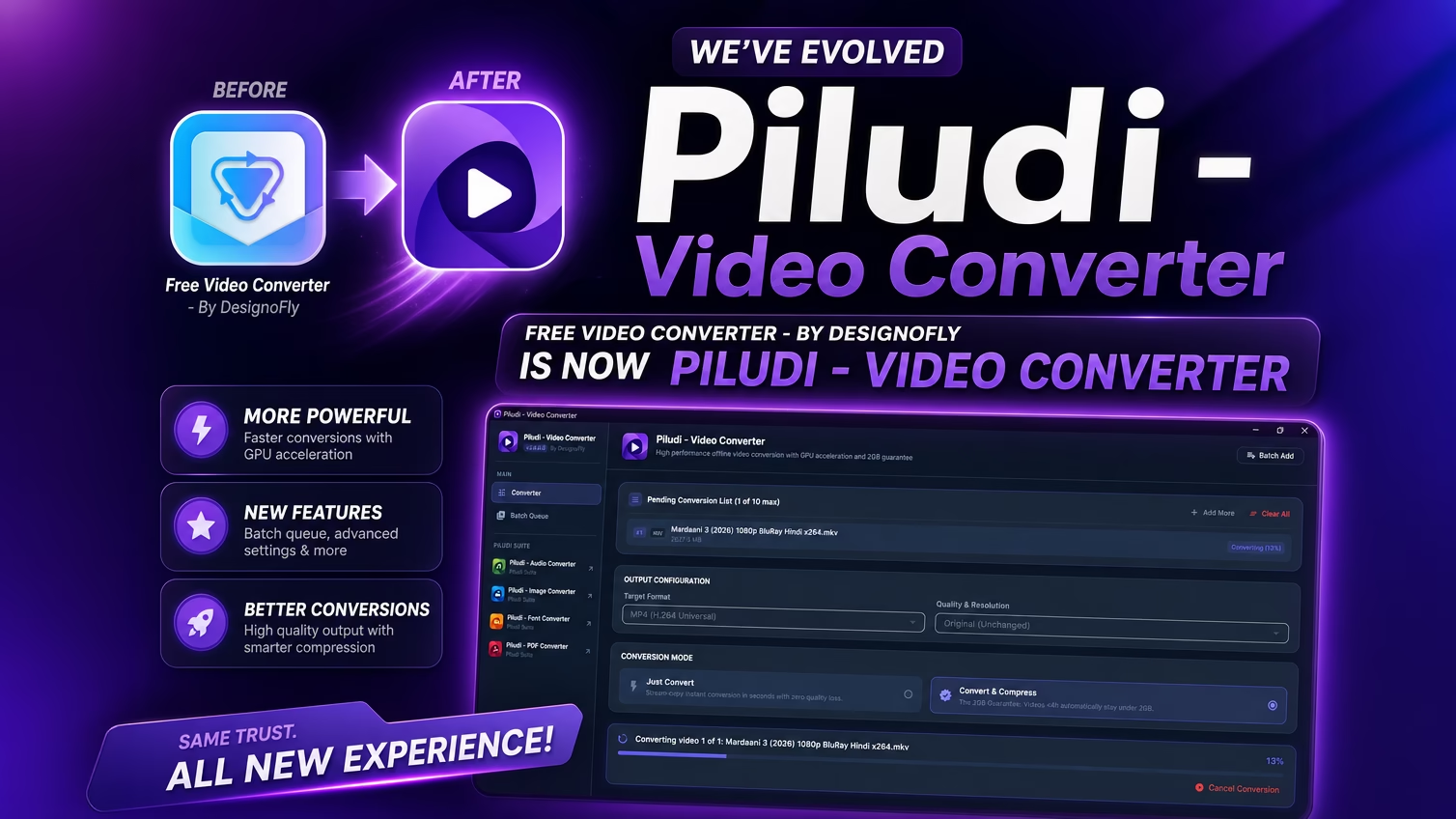
🔄 The Evolution of Free Video Converter to Piludi – Video Converter From Free Video Converter to Piludi – Video Converter
Specifically, when we originally launched Free Video Converter – By DesignoFly, its primary mission was convenience: give Windows users an uncluttered, single-click solution to turn awkward smartphone clips or camera footage into universal MP4 files. The utility resonated with tens of thousands of creators, teachers, and home users who were tired of bloated freeware bundled with adware.
Consequently, however, the digital video landscape has shifted dramatically over the past three years:
- Explosion of 4K & High Frame Rate Video: Smartphone recordings in 4K at 60 FPS generate file sizes of several gigabytes in just a few minutes, overwhelming legacy single-threaded software converters.
- Container Confusion (MKV vs. MP4 vs. MOV): Screen recorders like OBS Studio record into MKV for crash safety, while Apple iPhones shoot in MOV with HEVC compression. Users frequently just needed to change the container envelope without touching the underlying video bits.
- Strict Platform Upload Limits: Chat platforms like Discord (free 25MB or Nitro 500MB limits), Telegram (2GB cap), and email servers require predictable, calculated file sizing so videos can be shared without hitting server rejections.
- Hardware Acceleration Maturity: Modern GPUs from NVIDIA (NVENC), Intel (Quick Sync Video), and AMD (AMF) now contain dedicated hardware encoding silicone capable of rendering high-bitrate video in a fraction of real-time.
Therefore, to solve these challenges, we did not just issue a routine patch. We completely retired the legacy codebase and engineered Piludi – Video Converter from the ground up as a unified flagship desktop suite. Piludi represents modern engineering: a gorgeous Windows 11 Fluent interface, an asynchronous multi-threaded pipeline, and hardware-accelerated transcoding algorithms designed to handle heavy multi-gigabyte files with ease.
✨ What’s New in Piludi Video Converter Version 2.0.0.0?
Version 2.0.0.0 is the official evolutionary launch of the Piludi video platform. Here is an overview of the major architectural breakthroughs introduced in this release:
“Just Convert” Stream Copy
Re-wraps containers like MKV or MOV into MP4 in 3 to 5 seconds without re-encoding video or audio. Zero quality loss, instant execution.
Smart 2GB Guarantee
Calculates an optimal two-pass bitrate budget ensuring your exported files stay strictly under 2GB for seamless Discord, Telegram, and cloud sharing.
Multi-Vendor GPU Acceleration
Direct hardware encoding hooks for NVIDIA NVENC, Intel QSV, AMD AMF, and DirectX (DXVA2/D3D11), delivering up to 12x faster encoding speeds.
34 Input & 10 Output Formats
Massive format support library spanning legacy camcorders (MTS, VOB), production formats (ProRes, MXF), and modern web containers (WebM, MP4, GIF).
🎯 Piludi Video Converter Features & Processing Modes
1. Lightning-Fast “Just Convert” Mode (Stream Copy)
For example, most users don’t realize that a video file is actually composed of two distinct parts: the container (such as .mkv, .mov, or .mp4) and the codec streams inside it (such as H.264 or AAC audio). When you record gameplay or a podcast in OBS Studio, it saves in MKV so that a sudden system crash won’t corrupt the file. But when you try to import that MKV into Adobe Premiere, DaVinci Resolve, or upload it to certain websites, the software rejects it.
Traditional video converters would force you to re-encode the entire video frame by frame, taking 20 minutes, stressing your CPU, and degrading visual fidelity. Piludi’s “Just Convert” Mode (Stream Copy) extracts the existing H.264/HEVC video stream and AAC audio stream and immediately remuxes them into a standard MP4 container without touching a single pixel. A 4GB 4K file converts in literally 3 to 5 seconds with 100% original quality preserved.
2. Smart Compression with 2GB File Size Guarantee
Furthermore, have you ever tried to send an important video over Discord, Telegram, Google Drive, or corporate email, only to be stopped cold by a message saying “File exceeds maximum allowed size”?
Piludi features a proprietary 2GB Smart Compression algorithm. When you select this mode for any video under 4 hours in duration, the engine analyzes the total runtime, calculates the mathematically optimal two-pass bitrate ceiling, applies high-efficiency audio downsampling, and guarantees that your resulting file finishes cleanly below the 2,048 MB threshold while retaining crisp text, sharp contrast, and smooth motion.
3. Full GPU Hardware Acceleration (Up to 12x Faster)
In fact, encoding video entirely on a CPU can turn your computer into an unresponsive space heater. Piludi taps directly into your graphics card’s dedicated video processing silicon via low-level hardware APIs:
- NVIDIA NVENC: Optimized for GeForce GTX, RTX 30, RTX 40, and Quadro series GPUs.
- Intel Quick Sync Video (QSV): Leverages integrated Intel HD/UHD graphics on Core i3/i5/i7/i9 processors and dedicated Intel Arc GPUs.
- AMD Advanced Media Framework (AMF): Accelerated encoding on Radeon RX 5000, 6000, 7000 series cards.
- DirectX Video Acceleration (DXVA2 / D3D11): Universal fallback acceleration across modern Windows displays.
As a result, by routing the heavy mathematical encoding calculations through your GPU, Piludi encodes files up to 12 times faster while keeping your CPU usage under 15%, allowing you to edit, browse, or game smoothly while conversions run in the background.
4. Six Pro Resolution Presets & Custom Scaling
Whether you are preparing ultra-high-definition master footage or downscaling a video for web distribution, Piludi offers precision bicubic resampling presets:
- Original Resolution: Keeps exact source dimensions, frame rate, and pixel aspect ratio untouched.
- 4K Ultra HD (3840 × 2160): Broadcast-grade resolution for premium displays and YouTube 4K uploads.
- 2K Quad HD (2560 × 1440): The preferred standard for gaming monitors and esports creators.
- Full HD (1920 × 1080): The global benchmark for web streaming, social media, and presentations.
- HD (1280 × 720): Compact, high-efficiency format ideal for mobile devices and email distribution.
- SD (854 × 480 & 640 × 360): Ultra-lightweight presets for legacy devices and maximum bandwidth savings.
📊 Formats Supported by Piludi Video Converter (34 Inputs)
Moreover, one of the greatest strengths of Piludi – Video Converter is its vast media compatibility engine. Below is the complete specification matrix of supported input files and output target formats:
| Category | Supported Formats (34 Input Formats) | Ideal Use Case |
|---|---|---|
| Modern Web & Mobile | MP4, WebM, MKV, MOV, M4V, WEBP |
YouTube, social media, iPhones, Android, OBS Studio screen recordings. |
| Broadcast & Camcorders | TS, MTS, M2TS, MXF, TRP, MOD, TOD |
Sony, Panasonic, Canon camcorder archives, satellite TV feeds, broadcast masters. |
| Classic Windows & PC | AVI, WMV, ASF, WTV, DVR-MS |
Legacy Windows Media Player files, Windows Media Center TV recordings. |
| DVD, Disc & Flash | VOB, MPEG, MPG, DAT, FLV, F4V, SWF |
Ripped DVD Video-TS folders, VCD discs, Flash video archives. |
| Legacy Video & Mobile | 3GP, 3G2, DIVX, XVID, OGV, RM, RMVB, AMV, BIK |
Older feature phones, RealPlayer media, Bink video game cinematics. |
🎯 10 Precision Output Target Formats:
MKV (Multi-Track Audio/Subs)
WebM (HTML5 Web Standard)
MOV (Apple QuickTime)
AVI (Legacy Windows Compatibility)
WMV (Windows Media Video)
FLV (Flash Legacy Support)
TS (Transport Stream / IPTV)
3GP (Ultra-Compressed Mobile)
GIF (High-FPS Animated Loop)
🔒 Offline Video Converter Security: Why Local Processing Matters
Similarly, in an era of relentless data harvesting, free online utilities often come at an invisible price. When you upload a video to an online web converter, you have zero control over what happens to that data on their remote servers. Many terms of service grant third-party sites rights to store, analyze, or even train AI models on your uploaded media.
Piludi operates on a strict zero-telemetry, zero-cloud architecture:
- 100% Local Execution: Every byte of video data is read from and written to your local hard drive. No internet connection is required or ever utilized for encoding.
- Zero Accounts or Sign-Ups: You do not need to register, create a profile, or enter an email address.
- No Artificial File Caps: Convert a 50MB phone clip or a 50GB 4K documentary with equal reliability.
- Windows Sandbox Safety: Packaged and certified securely via the Microsoft Store, ensuring no malware, no registry pollution, and clean single-click installation and removal.
⚡ How to Convert Video Files with Piludi Video Converter
In practice, converting video with Piludi is designed to be completely friction-free:
- Import Your Footage: Drag and drop any video file (or folder) directly onto the Piludi interface. The app instantly inspects the container, video codec, resolution, and audio bitrate.
-
Select Your Mode or Target Format:
- To change the file type with zero re-encoding, pick “Just Convert (Stream Copy)”.
- To shrink the file for messaging platforms, select “Smart 2GB Guarantee”.
- To re-encode for a specific device, choose MP4 and select your desired resolution preset (e.g., 1080p Full HD).
- Click Convert: Watch the real-time progress bar powered by GPU acceleration. Once finished, click the output button to immediately view your converted file in Windows File Explorer.
❓ Video Converter Frequently Asked Questions (FAQ)
Is Piludi – Video Converter truly 100% free?
Yes. There are no watermarks, no hidden fees, no subscriptions, and no trial expirations. It is distributed as a completely free software tool directly via the Microsoft Store.
Does “Just Convert” Mode reduce video or audio quality?
Not by a single bit. Because Stream Copy simply re-packages the original elementary video and audio packets into an MP4 container, the output is bit-for-bit identical to the source file.
What happened to the old Free Video Converter?
Piludi – Video Converter is the direct, upgraded continuation of Free Video Converter – By DesignoFly. All previous features have been refined, updated with version 2.0.0.0, and integrated into our unified Piludi Suite.
Experience Next-Gen Video Transcoding on Windows
Upgrade your creative workstation today with Piludi – Video Converter. 100% offline, GPU-accelerated, and completely free of watermarks or subscriptions. Visit our official software page to inspect full specs and get Microsoft Store access.