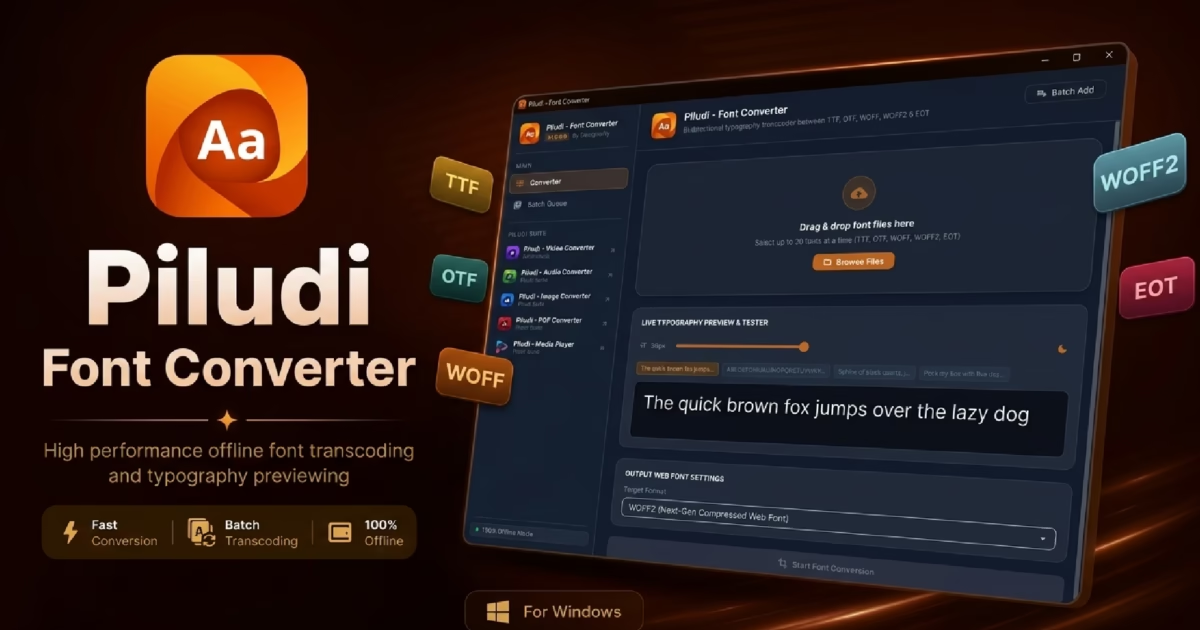
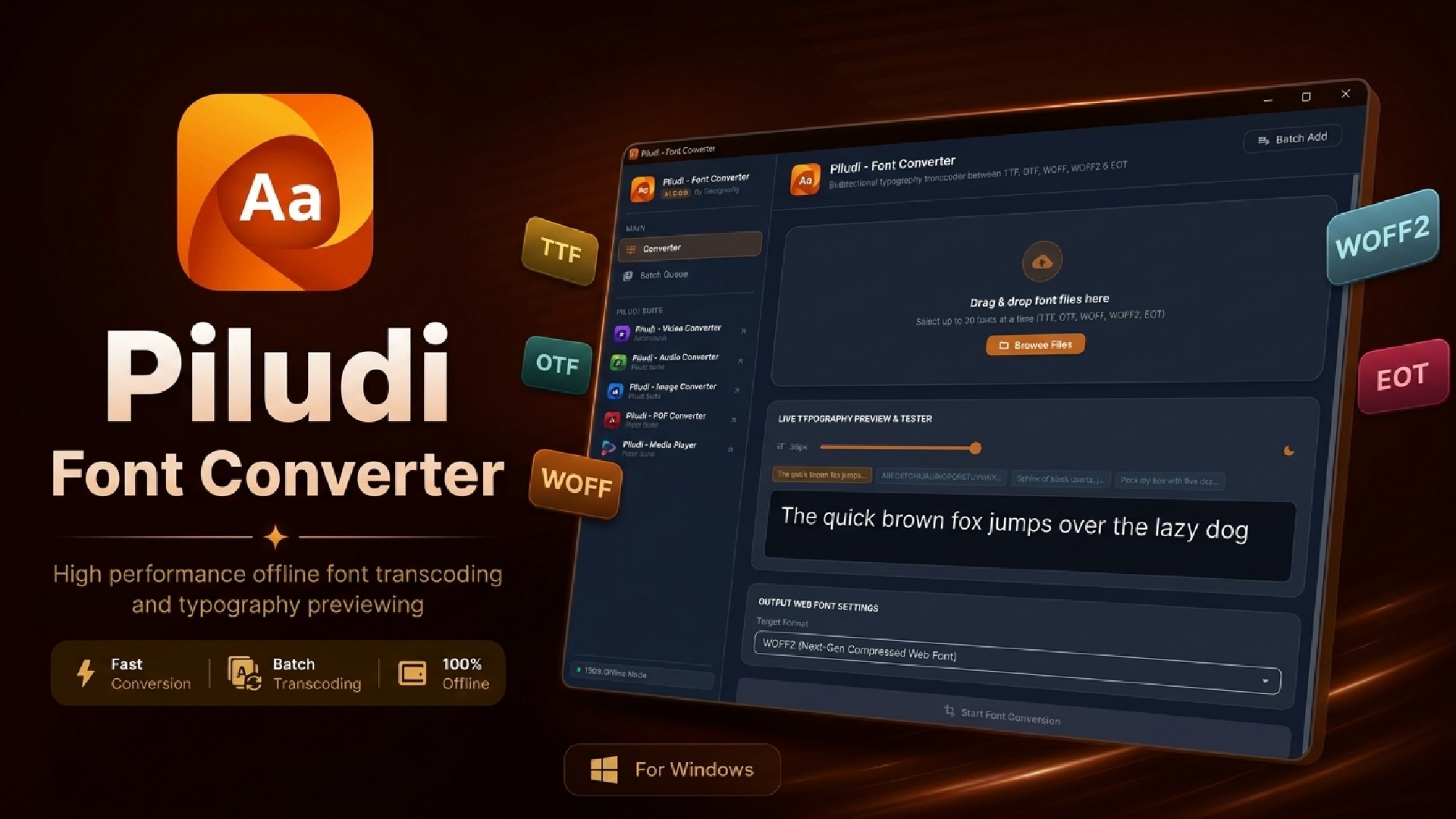
Typography Architecture & Web Font Guide: Piludi – Font Converter (v1.0.0.0) has arrived on Windows 10 & 11. Built specifically for web designers, frontend developers, and digital publishers, it provides bi-directional conversion across TTF, OTF, WOFF, WOFF2, and EOT web font standards, an integrated binary SFNT font table inspector, and a live interactive typography testing sandbox.
High-performance typography is the soul of modern web and software design. Whether you are embedding brand identity typefaces across commercial web applications, converting desktop TrueType (TTF) and OpenType (OTF) typefaces into ultra-compact WOFF2 web fonts to accelerate Core Web Vitals, or inspecting internal glyph metrics and licensing records, having a dedicated Font Converter and Web Font Converter is essential. Yet, creative studios have historically had to gamble proprietary, commercial font files on public online converters that expose valuable typography assets and corrupt complex OpenType features.
In technical reality, font conversion is vastly more intricate than changing a file extension. A production-grade web font contains complex SFNT binary tables—including cmap (character-to-glyph mappings), head, hhea, OS/2 (typographic ascent, descent, and weight classifications), and glyf / CFF outlines. When an uncalibrated web converter strips metadata or introduces rounding errors into glyph coordinate vectors, letterforms display broken kerning pairs, clipped accents, and jagged anti-aliasing on high-resolution screens.
To solve these typography challenges with absolute technical precision, DesignoFly Studio is proud to announce the official release of Piludi – Font Converter (Version 1.0.0.0), available now on our official Piludi – Font Converter Software Hub (with verified Microsoft Store installation). In this in-depth guide, we examine how font compression works, explore its binary inspection engine, and demonstrate why Piludi Font Converter is the premier offline typography utility for Windows.
Get Piludi – Font Converter (v1.0.0.0)
100% Offline Typography Studio. Bi-directional TTF, OTF, WOFF, WOFF2 & EOT conversion, Brotli/ZLib compression, binary SFNT table inspector, live interactive preview tester, and complete offline licensing privacy. View full specs on our dedicated software page.
🔬 How Piludi Font Converter Works: Under the Hood
Rather than treating fonts as generic binary data, Piludi – Font Converter is engineered around a dedicated dual-engine typography architecture:
Engine 1: Brotli & ZLib Web Font Synthesizer
Implements strict W3C WOFF2 specifications with high-efficiency Brotli byte-stream compression. Restructures glyph tables into entropy-optimized streams, achieving up to 30% to 50% smaller file sizes than traditional TTF files while preserving 100% vector accuracy and OpenType layout features.
Engine 2: Binary SFNT Inspector & Live Sandbox
Features a deep SFNT binary table parser that unpacks family classifications, PostScript names, UPM scales, designer credits, and copyright notices. Coupled with an interactive live rendering sandbox that lets you test custom pangrams, size scaling (12px to 96px), and dark/light background contrast before deployment.
🏆 Why Piludi is the Best Font Converter: 6 Standout Features
1. Bi-Directional Conversion Across All Font Standards
Piludi provides complete two-way conversion between desktop typography and modern web standards:
- TrueType Fonts (.ttf): Universal standard for Windows, macOS, Android, and desktop publishing.
- OpenType Fonts (.otf): Advanced typography standard with PostScript outlines, ligatures, and glyph alternates.
- Web Open Font Format 2 (.woff2): Modern web standard powered by Brotli compression for maximum website speed.
- Web Open Font Format (.woff): Universal web standard with ZLib compression for wide backwards compatibility.
- Embedded OpenType (.eot): Legacy web font format for legacy enterprise systems.
- Font Collections & Mac Containers: Clean imports from `.ttc`, `.dfont`, and `.sfnt` structures.
2. Binary SFNT & WOFF Table Inspector
Inspect the internal architecture of any font file before and after conversion:
- Font Identity: Family, Subfamily (Weight/Style), PostScript Name, and Full Name.
- Licensing & Authorship: Version string, Designer, Foundry/Manufacturer, Copyright notices, and License URLs.
- Technical Metrics: Total glyph count, Units Per Em (UPM), Ascender/Descender dimensions, and SFNT directory tables.
3. Interactive Live Typography Preview Sandbox
Never deploy a web font blindly. Piludi features a built-in real-time preview sandbox:
- Live Text Typing: Type custom sample text, pangrams, numerals, and punctuation in real time.
- Fluid Size Slider: Smoothly scale font sizes from 12px up to 96px to test legibility at both body copy and display heading scales.
- Dark / Light Contrast Toggle: Verify edge sharpness, anti-aliasing, and contrast against dark and light UI themes.
4. Multi-Font Batch Processing Queue
Converting an entire font family manually is tedious. With Piludi, drag and drop complete font weights (Thin, Light, Regular, Medium, SemiBold, Bold, ExtraBold, Black, and matching Italic styles) into the batch queue and convert them all to WOFF2 or TTF with a single click.
5. High-Efficiency Brotli Web Font Compression
Google Core Web Vitals heavily penalize slow-loading web fonts that cause layout shifts (CLS). Piludi compresses web fonts using modern Brotli compression algorithms, stripping redundant header data while ensuring instant font rendering across all modern web browsers.
6. 100% Private, Secure & Completely Offline
Commercial, custom, and proprietary corporate typefaces are valuable intellectual property. Uploading them to random web converters risks licensing violations and data exposure. Piludi runs 100% locally on your PC. It transmits zero telemetry, conducts no tracking, displays no ads, and requires no internet connection.
📊 Font Converter Matrix: 8 Input Formats & 5 Pro Export Targets
Below is the complete technical matrix of font standards supported by Piludi – Font Converter on Windows 10 & 11:
| Font Format | Compression & Internal Architecture | Recommended Deployment Target |
|---|---|---|
| WOFF2 (.woff2) | W3C Standard, Brotli entropy compression, 30-50% smaller footprint. | Modern web applications, high-performance websites, and Core Web Vitals optimization. |
| WOFF (.woff) | W3C Standard, ZLib table compression. | Fallback web font format for legacy web browsers and older mobile devices. |
| TrueType (.ttf) | Uncompressed SFNT container, quadratic B-spline curves. | Windows/Mac desktop software, word processors, mobile apps, and graphic editors. |
| OpenType (.otf) | PostScript CFF outlines, cubic Bezier curves, advanced OpenType tables. | High-end commercial print publishing, Adobe InDesign, typography design. |
| Embedded OpenType (.eot) | MicroType Express compression, legacy Microsoft container. | Legacy enterprise intranets and legacy Internet Explorer environments. |
🎯 5 Supported Export Standards:
WOFF (Universal Web Standard)
TTF (TrueType Desktop)
OTF (OpenType Desktop)
EOT (Legacy Enterprise Web)
💡 Three Practical Font Converter Workflows
Workflow 1: Converting Desktop TTF/OTF Typefaces to High-Speed WOFF2
When deploying commercial brand typography to websites, raw desktop TTF/OTF files are too heavy. To optimize:
- Drag and drop your desktop font files into Piludi – Font Converter.
- Select WOFF2 as your export target.
- Inspect the font metadata and preview the font rendering inside the live interactive tester.
- Click Convert. Piludi applies Brotli compression, generating ultra-lightweight web fonts ready for CSS
@font-facedeclaration.
Workflow 2: Inspecting Binary SFNT Tables and Glyph Metrics
Before deploying a font in production, verify that glyph mappings and metrics are correct:
- Import any TTF, OTF, or WOFF file into Piludi.
- Switch to the Table Inspector view.
- Review exact UPM scales, Ascender/Descender bounding box values, total glyph counts, designer credits, and copyright notices.
- Ensure that international character sets and currency symbols are present before publishing.
Workflow 3: Decoding Web Fonts (WOFF/WOFF2) for Local Desktop Design
If you received a web design package containing only WOFF or WOFF2 files and need to use them inside desktop graphic software:
- Drop your WOFF or WOFF2 files into Piludi.
- Select TTF or OTF as the target format.
- Click Convert. Piludi decodes the compressed byte-streams and reconstructs standard SFNT desktop font containers installable on Windows.
❓ Font Converter Frequently Asked Questions (FAQ)
Is Piludi – Font Converter completely free?
Yes. Piludi – Font Converter is 100% free with no in-app purchases, no subscription tiers, zero watermarks, and no file limits. It is available directly from the Microsoft Store for Windows 10 and 11.
Does converting TTF/OTF to WOFF2 lose OpenType features?
No. Piludi preserves complete SFNT table structures, including advanced OpenType layout tables (GSUB, GPOS, kerning pairs, and contextual ligatures). Vector curves remain mathematically identical.
Can I convert Mac font collections (.dfont / .ttc) with Piludi?
Yes. Piludi unpacks TrueType Collections (.ttc) and Mac OS X Data Fork Fonts (.dfont), allowing you to convert them into individual standard TTF, OTF, or WOFF2 web fonts.
Are my commercial font licenses and custom typefaces private?
Absolutely. Piludi operates 100% locally on your computer. It never uploads, shares, or transmits your proprietary font files to remote cloud servers.
Elevate Your Typography Workflow with Piludi – Font Converter
Experience studio-grade web font compression, binary SFNT table inspection, and complete local typeface privacy on Windows. Visit our official software page to inspect full technical specs, review screenshots, and get direct Microsoft Store access.