
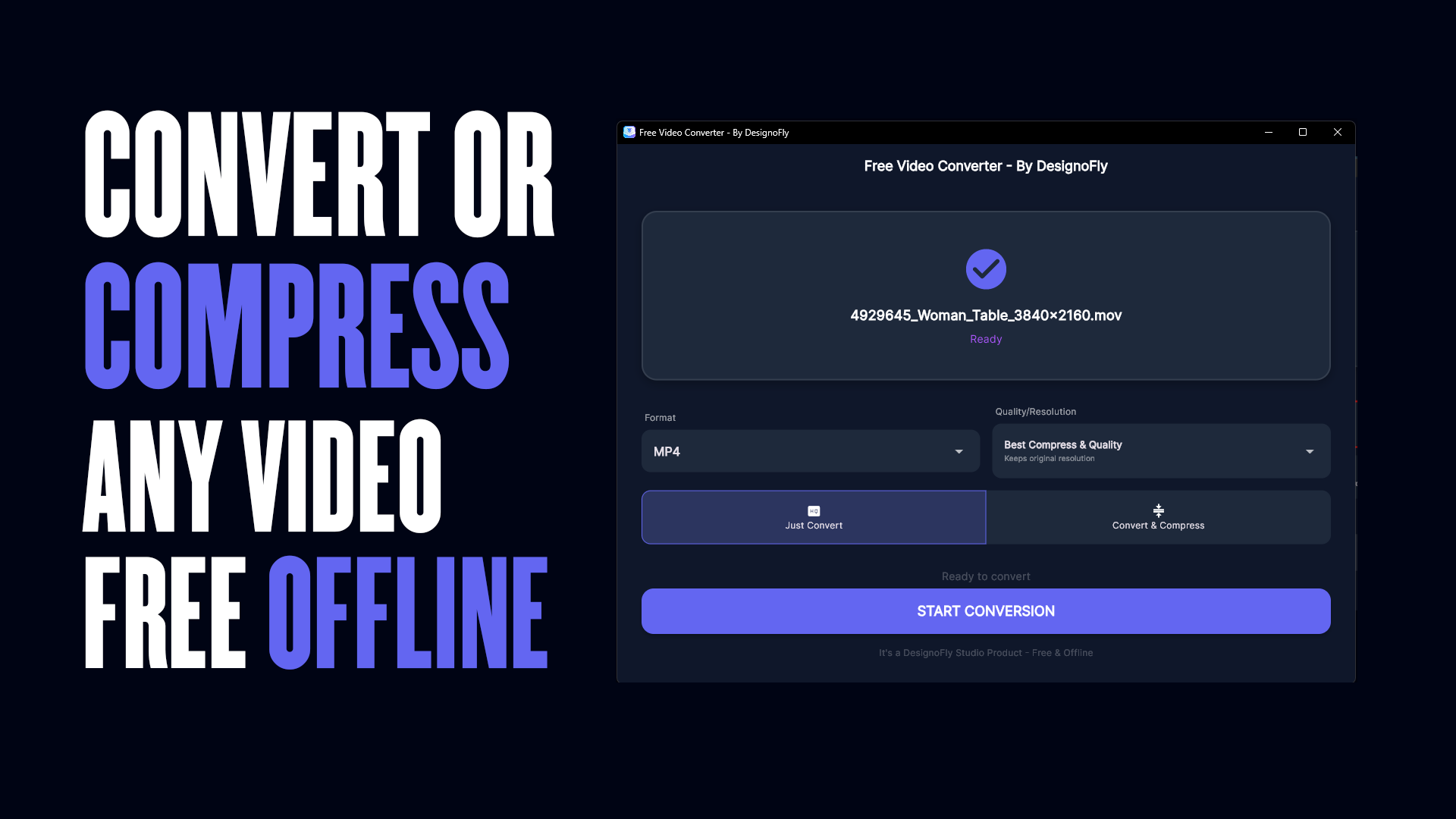
Free Video Converter – By DesignoFly: The Ultimate Offline Tool for Video Conversion and Compression in 2026
In today’s digital world, video files come in all shapes and sizes. Whether you’re a content creator, a professional editor, or just someone managing personal videos, dealing with incompatible formats or oversized files can be frustrating. That’s where Free Video Converter – By DesignoFly comes in – a completely free, offline video converter now available directly from the Microsoft Store.
This powerful yet simple Windows app lets you convert and compress videos without needing an internet connection, without ads, and without compromising your privacy. Best of all, it’s 100% free! Download it today from the Microsoft Store: Get it here.
Why Choose a Free Offline Video Converter in 2026?
With countless online tools promising quick conversions, why go offline? The answer is simple: privacy, speed, reliability, and no limits.
Online converters often require uploading your files to remote servers, raising concerns about data security – especially for personal or sensitive videos. They also impose file size limits, slow uploads/downloads, and potential quality loss. In contrast, an offline video converter like Free Video Converter – By DesignoFly processes everything locally on your PC.
- No uploading needed — Your videos never leave your device.
- No file size restrictions — Handle large 4K or HD files effortlessly.
- Faster processing — No waiting for uploads or server queues.
- Complete privacy — Zero data collection or sharing.
As video resolutions climb (4K, 8K becoming common), efficient offline tools are more essential than ever for managing storage and compatibility.
Introducing Free Video Converter – By DesignoFly
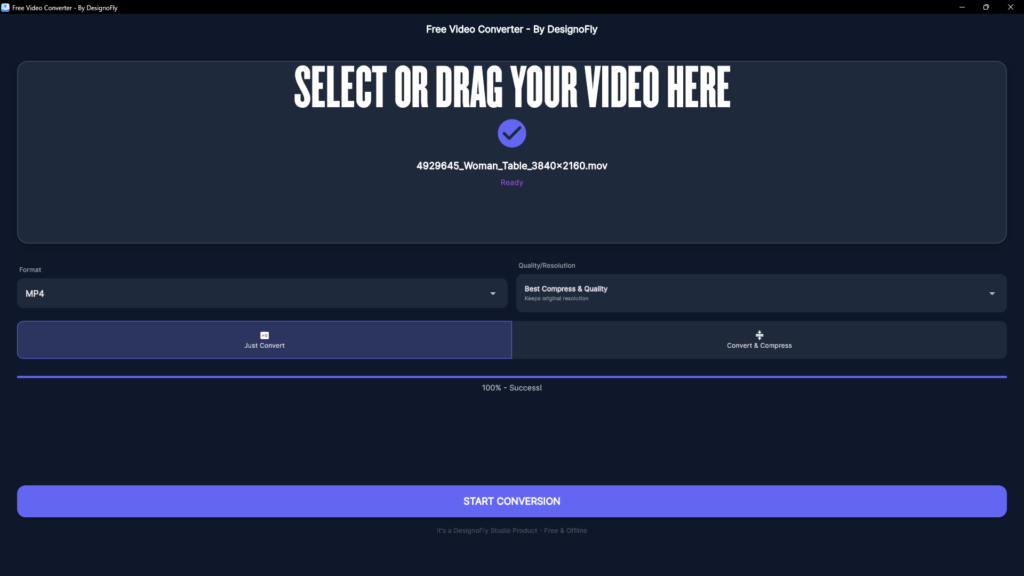
Developed by DesignoFly Studio, this app is designed with simplicity and power in mind. It’s the perfect free offline video converter for Windows users who want professional results without complexity or cost.
Now officially published on the Microsoft Store, you can download and install it with one click – no shady websites or installers required. The Store ensures automatic updates, security verification, and easy access.
Direct Download Link: Free Video Converter – By DesignoFly on Microsoft Store
This app stands out in a crowded field of video tools because it’s truly free (no hidden premiums for basic features), fully offline, and focused on user-friendly experience.
Key Features That Make It the Best Free Video Converter
Free Video Converter – By DesignoFly packs essential tools for everyday video needs:
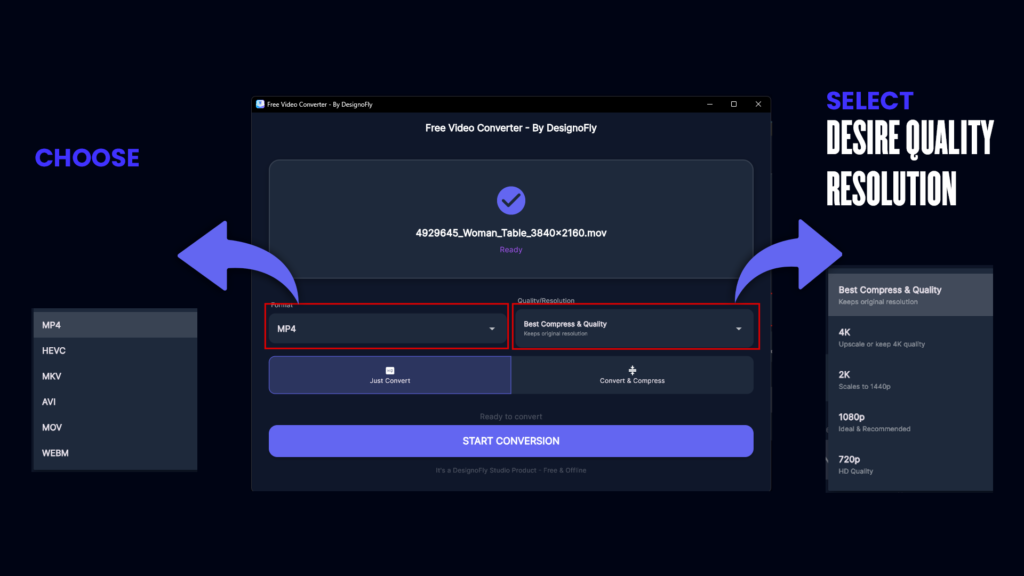
- Wide Format Support → Convert between popular formats like MP4, AVI, MKV, MOV, WMV, FLV, and more. Whether you’re dealing with phone recordings, downloaded clips, or camera footage, it handles them all.
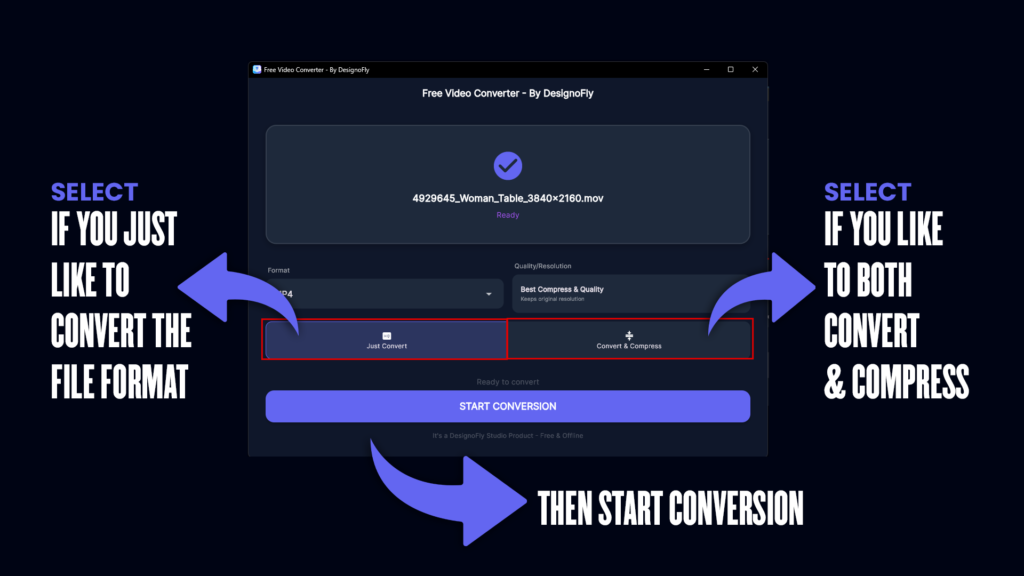
- Two Conversion Modes:
- Just Convert — Quickly change formats while preserving original quality and resolution.
- Convert & Compress — Reduce file size significantly without noticeable quality loss – ideal for sharing via email, WhatsApp, or storage constraints.
- Quality and Resolution Options → Choose “Best Compress & Quality” to keep original resolution, or customize for specific needs.
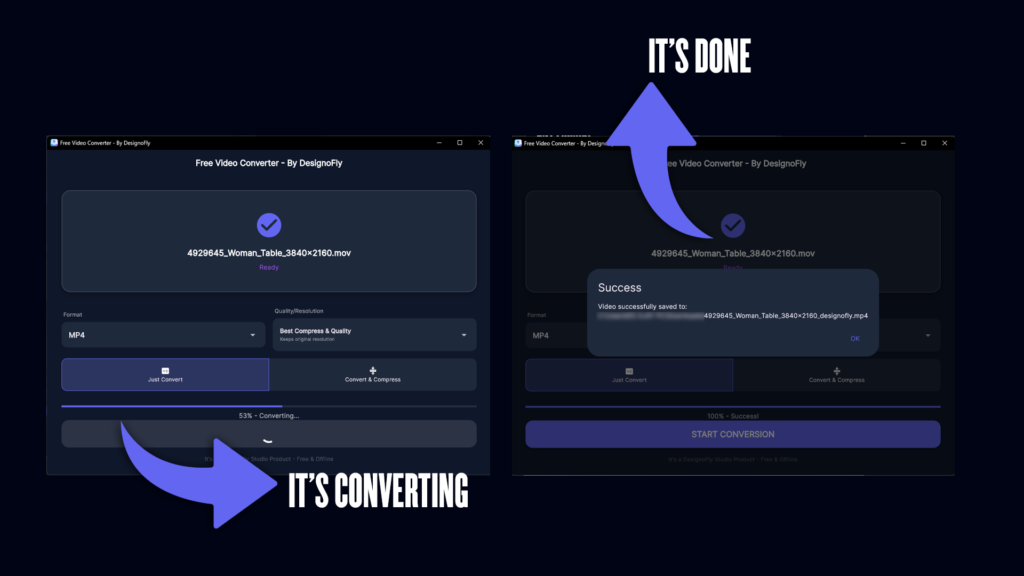
- Easy Drag-and-Drop Interface → Select your video, choose format/mode, and hit “Start Conversion” – that’s it!
- Batch Processing Ready → Future updates planned for multiple files (stay tuned!).
- 100% Offline Operation → No internet required after download – perfect for travel or secure environments.
- No Ads or Watermarks → Clean experience from start to finish.
- Privacy-Focused → Processes files locally; no tracking or data sent anywhere.
Users love how it simplifies tasks like converting MOV to MP4 for Android compatibility, compressing large MKV files for storage, or preparing videos for social media.
How to Download and Get Started
Getting Free Video Converter – By DesignoFly is easier than ever now that it’s on the Microsoft Store:
- Open the Microsoft Store app on your Windows PC (or visit online).
- Search for “Free Video Converter – By DesignoFly”.
- Click “Get” or “Install” – it’s free!
- Or use this direct link: Download from Microsoft Store
Once installed, launch the app, drag your video file in, select your options, and convert. It’s that straightforward – no tutorials needed!
Why Offline Video Conversion Matters for Your Projects
Whether you’re working on personal projects, professional edits, or just organizing your media library, an offline converter offers unmatched flexibility.
- Content Creators — Compress footage for faster uploads without quality dips.
- Students & Educators — Convert lecture recordings to shareable formats.
- Families — Manage phone videos (often in HEVC/H.265) for easy playback on any device.
- Professionals — Prepare files for clients without relying on cloud services.
In 2026, with rising concerns over data privacy and increasing file sizes from high-res cameras, tools like this are indispensable.
Compress Videos Without Losing Quality – A Game Changer
One standout feature is the smart compression mode. Many free tools either crush quality or barely reduce size, but Free Video Converter balances both.
It intelligently adjusts bitrate and encoding while keeping visuals sharp – perfect for turning a 2GB file into something under 500MB without obvious artifacts. Great for email attachments, cloud storage, or mobile sharing.
Supported Formats and Compatibility
The app excels at common conversions:
- Input: MP4, MOV, AVI, MKV, WMV, FLV, and more.
- Output: Primarily MP4 (universal compatibility), with options for HEVC/H.265 for efficient storage.
It’s optimized for Windows 10/11, running smoothly on laptops and desktops.
User-Friendly Interface: Designed for Everyone
No tech expertise required! The clean, modern UI (with blue-purple accents) guides you through:
- File selection with preview.
- Clear mode buttons: “Just Convert” or “Convert & Compress”.
- One-click “Start Conversion” with progress bar.
Even beginners can achieve pro results in seconds.
Totally Free – No Catch!
Unlike many “free” tools loaded with ads, upsells, or limitations, this app is genuinely free. No in-app purchases, no watermarks, no trials expiring. Developed by DesignoFly as a helpful tool for the community.
Privacy and Security First
As a fully offline app, your videos stay on your device. No uploads, no cloud processing, no data collection. Ideal for sensitive or personal content.
Download Today and Transform Your Video Workflow
Ready to experience the best free offline video converter for Windows? Don’t settle for slow online tools or bloated software.
Click here to download Free Video Converter – By DesignoFly from the Microsoft Store: Get it Now
Join thousands discovering how easy video conversion can be. Whether converting formats for compatibility, compressing for storage, or preparing files for projects – this app has you covered.
Have questions or feedback? Visit DesignoFly Studio or leave a review on the Store.
Thank you for choosing Free Video Converter – By DesignoFly. Happy converting!