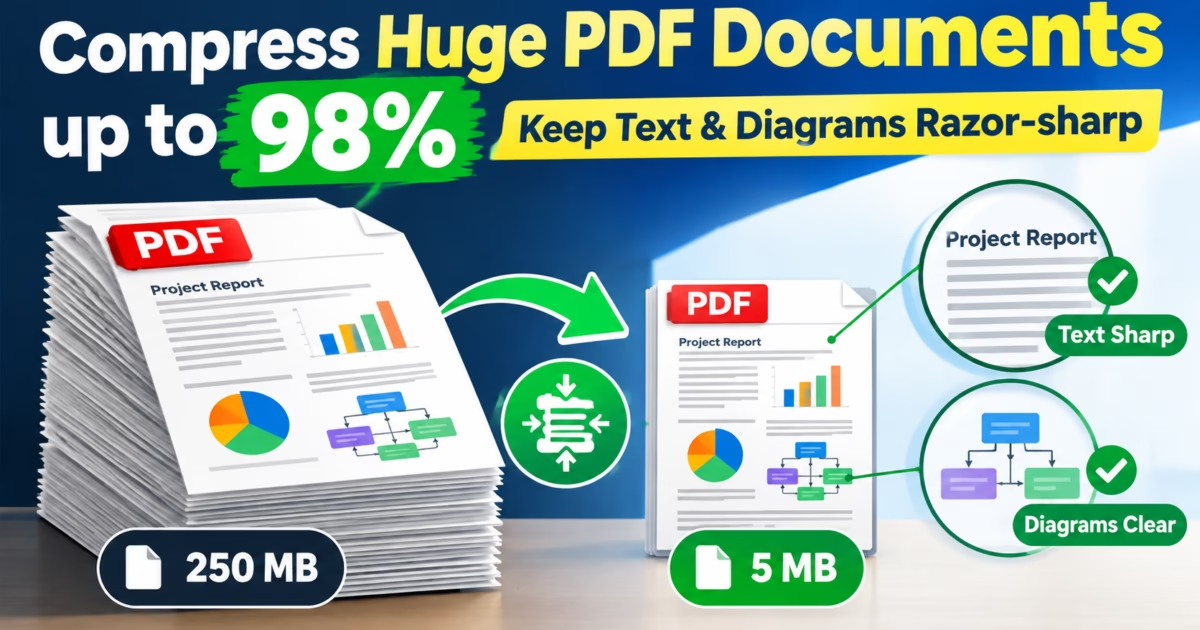
Editorial Technical Solution: When you need to Compress PDF Files Offline on Windows 11, preserving vector typography and table clarity is essential. Specifically, this guide explains how intelligent object stream optimization and dual-layer image downsampling shrink 100MB+ documents down to under 5MB for email and web distribution. In addition, we review how Piludi PDF Converter executes multi-threaded compression 100% offline with zero cloud data exposure.
When you need to Compress PDF Files Offline on Windows 11, standard web tools frequently compromise document quality. Almost every professional has faced the dreaded email attachment limit error: you attempt to send an essential legal dossier, architectural portfolio, or financial pitch, only for your email client to bounce with a “File Exceeds 25MB Limit” warning. In response, desperate users turn to online compression websites. What returns is an embarrassing catastrophe. Text becomes fuzzy and illegible, vector floor plans lose their crisp lines, and embedded financial charts blur beyond recognition.
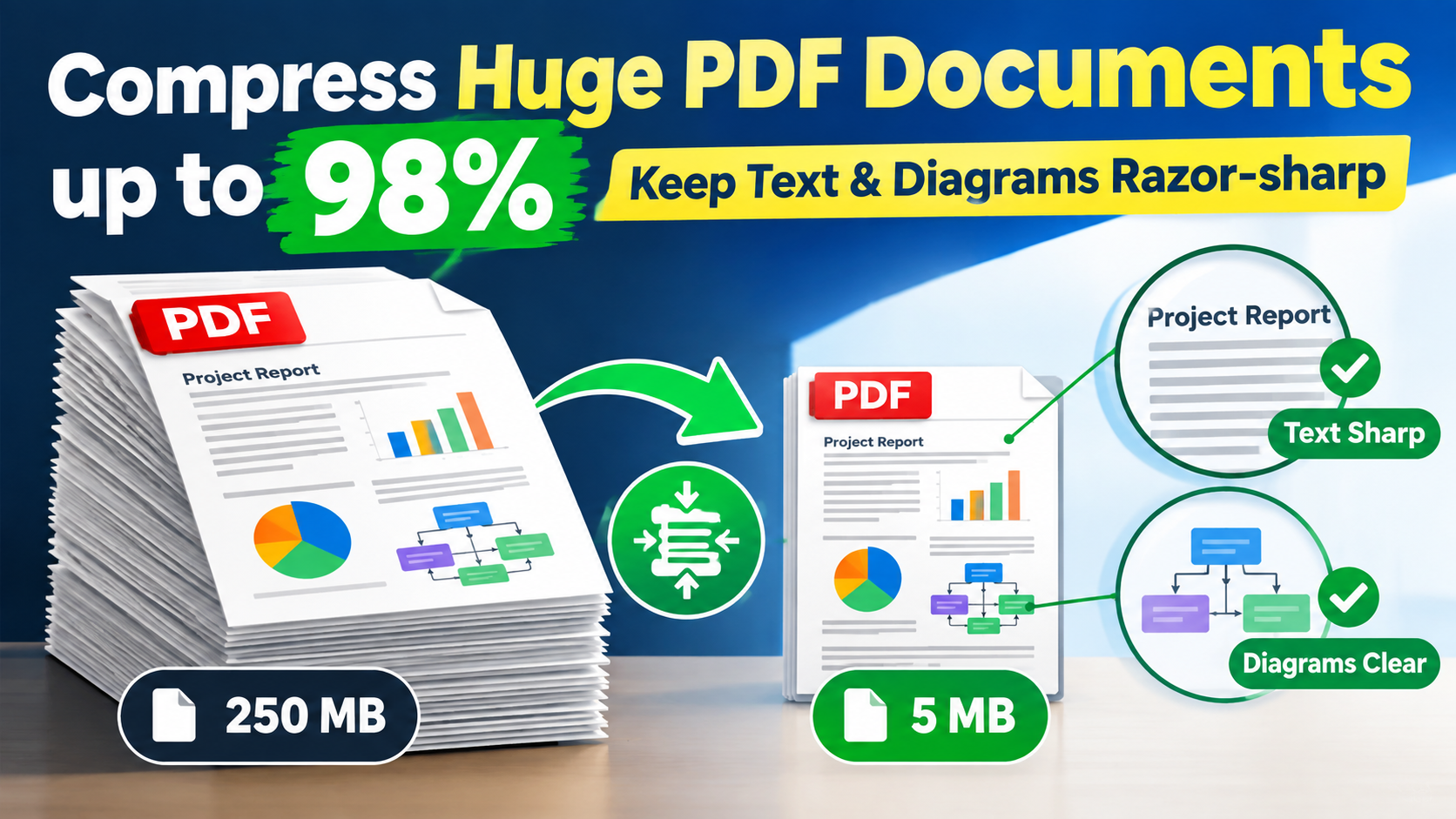
The 25MB Email Barrier: Why Bloated PDF Files Paralyze Enterprise Workflows
In the modern business ecosystem, corporate email servers enforce strict message thresholds. Microsoft Exchange, Google Workspace, and corporate mail gateways routinely drop incoming attachments larger than 20MB to 25MB. Consequently, client proposals, court filings, and engineering submittals fail silently without immediate sender notification.
Why do modern PDF documents balloon into 100MB+ behemoths in the first place? When desktop software like Adobe InDesign, Autodesk AutoCAD, or Microsoft Word exports to PDF, it often embeds uncompressed 24-bit bitmap graphics, multiple redundant font subsets, and massive ICC color profiles. Furthermore, every full-page digital scanner defaults to 600 DPI uncompressed TIFF layers. Therefore, a 15-page scanned contract easily consumes 120 megabytes of disk space without offering any visual benefit over standard screen-viewing resolutions.
Flawed Downsampling vs Intelligent Object Compression: The Technical Difference
To compress documents without introducing blurring, you must distinguish between crude raster downsampling and intelligent object optimization under the ISO 32000 Document Architecture Specification.
Crude web compressors treat the entire PDF page as a flat bitmap. They convert text, vectors, and photos into a low-grade JPEG grid at 72 DPI. Consequently, letters develop visible compression haloing, and zooming in reveals severe pixelation. In contrast, intelligent object compression operates hierarchically:
- Vector Font Preservation: Character glyphs and font outlines are retained as scalable vector math. Text remains pin-sharp at 1000% zoom levels.
- Bicubic Image Downsampling: High-resolution embedded photographs are scaled down from 600 DPI to 150 DPI using Lanczos filtering, reducing raw image weight by up to 90% while keeping graphics crisp.
- Object Stream Compaction (Cross-Reference Tables): Unused metadata streams, ghost revision histories, and duplicate font tables are stripped from the file package.
- Flate & JBIG2 Encoding: Monochrome drawings and blueprints are compressed using arithmetic bi-level encoding, yielding dramatic size reductions.
The Cloud Security Hazard: Why Web PDF Compressors Threaten Privacy
When faced with an urgent deadline, professionals frequently drag confidential documents into free online PDF shrinkers. What users do not understand is that web-based document processing creates serious compliance vulnerabilities:
- Uncontrolled Data Transit: Proprietary financial records, tax disclosures, and trade secrets travel over the public internet to third-party web servers.
- Server Snapshot Retention: While portals promise automatic file deletion, cached temporary files and server error logs can preserve unencrypted documents indefinitely.
- Statutory Penalties: Sending HIPAA patient information or GDPR-protected European citizen records across unvetted cloud portals breaches regulatory mandates.
- Artificial Speed Throttling: Free compression portals intentionally delay processing queues to upsell premium monthly subscriptions.
Windows 10 & 11 Desktop Software
Compress Massive PDFs with Complete Confidentiality
Shrink 100MB+ contracts, architectural blueprints, and scanned books down to under 5MB right on your Windows PC. Enjoy multi-threaded speed, zero cloud uploads, and razor-sharp text with Piludi – PDF Converter.
Step-by-Step Blueprint: How to Compress PDF Files Offline on Windows 11
Follow this simple step-by-step technical workflow to shrink oversized PDF documents while keeping text and line drawings razor-sharp:
Launch Piludi PDF Converter & Select Compress PDF
Open Piludi – PDF Converter on your Windows 10 or 11 workstation. From the primary navigation panel, select the Compress PDF tool. Drag and drop your oversized PDF file directly into the application window, or import an entire directory of documents for batch processing.
Select Target Optimization Preset
Choose from three calibrated compression profiles: Maximum Compression (Screen Quality, 72 DPI) for quick email sharing, Balanced Office (150 DPI) for contracts with embedded photos, or High Quality (300 DPI) for legal exhibits and print proofs.
Execute Multi-Threaded Compression
Click Start Compression. Piludi’s local engine analyzes the internal PDF object tree, compacts streams, and outputs a lightweight PDF in seconds. The application reports the exact byte savings achieved before saving to your chosen local folder.
Optimization Preset Matrix: Choosing the Right Profile
The table below illustrates typical file size reductions across different document categories processed with Piludi PDF Converter:
Frequently Asked Questions on Offline PDF Compression
Does compressing a PDF file alter digital signatures or form fields?
Piludi PDF Converter includes structural protection routines. Interactive AcroForm fields, fillable checkmarks, and document bookmarks remain completely functional. However, modifying binary streams in cryptographically certified PDFs can invalidate cryptographic certificate hashes, so certifying signatures should be applied after compression.
Can I compress hundreds of PDF documents simultaneously on Windows?
Yes. Piludi PDF Converter features a multi-threaded batch compression queue. You can drag and drop an entire folder containing hundreds of PDF documents. The engine utilizes all available CPU cores to compress documents in parallel, saving hours of manual effort.
Does Piludi require Adobe Acrobat Pro or subscription software?
No. Piludi PDF Converter is an entirely standalone Windows desktop application. It operates without third-party tools, without Adobe Creative Cloud subscriptions, and requires zero internet connection to run.
Explore the Complete DesignoFly Software Ecosystem
Discover lightweight, privacy-focused Windows utilities built for creative professionals, developers, and power users. From document optimization to media transcoding, experience local speed.