
Piludi – PDF Converter
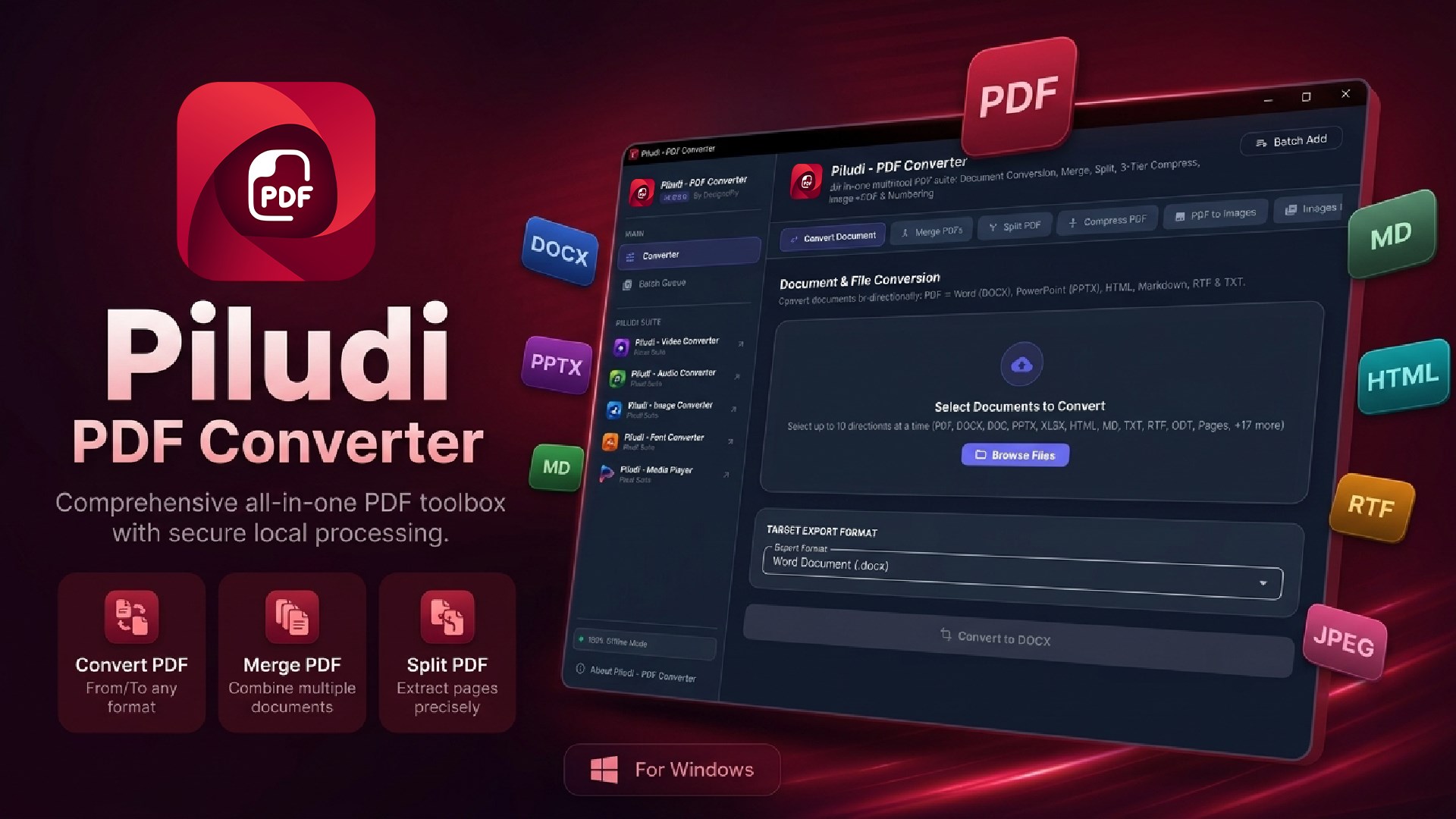
Comprehensive desktop PDF workstation for Windows 10 & 11 (v1.0.1.0). Convert between PDF and editable Word (DOCX), PowerPoint (PPTX), Markdown, RTF, HTML, and TXT. Merge, split by ranges, compress up to 98% with visual clarity, dual-engine image conversions, and dynamic page numbering with 100% offline privacy.
App Interface & Workflow
Features & Processing Modes
Bi-Directional Document & Presentation Conversion
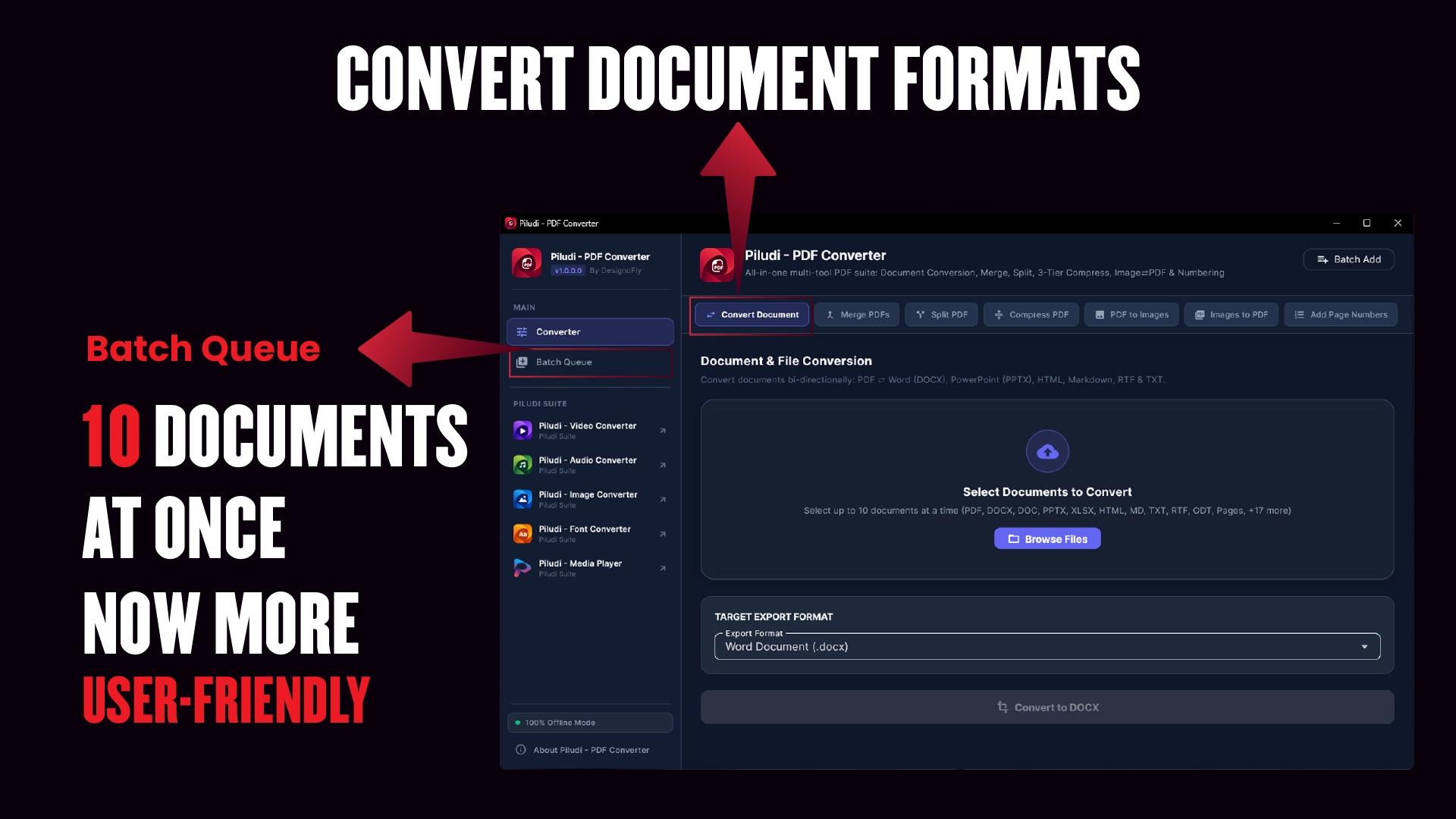
Transform PDFs into editable Microsoft Office formats and back with high typographic and layout fidelity.
- PDF to Editable Word (DOCX): Reconstructs paragraphs, tables, headings, and embedded illustrations.nPDF to PowerPoint (PPTX): Converts slides and multi-page presentations into fully editable slide decks.nRich Text & Markdown: Export to RTF, HTML5, Markdown (.md), and Plain Text (.txt).nOffice to PDF: Convert Word documents, PowerPoint decks, and text files directly into clean, standardized PDFs.
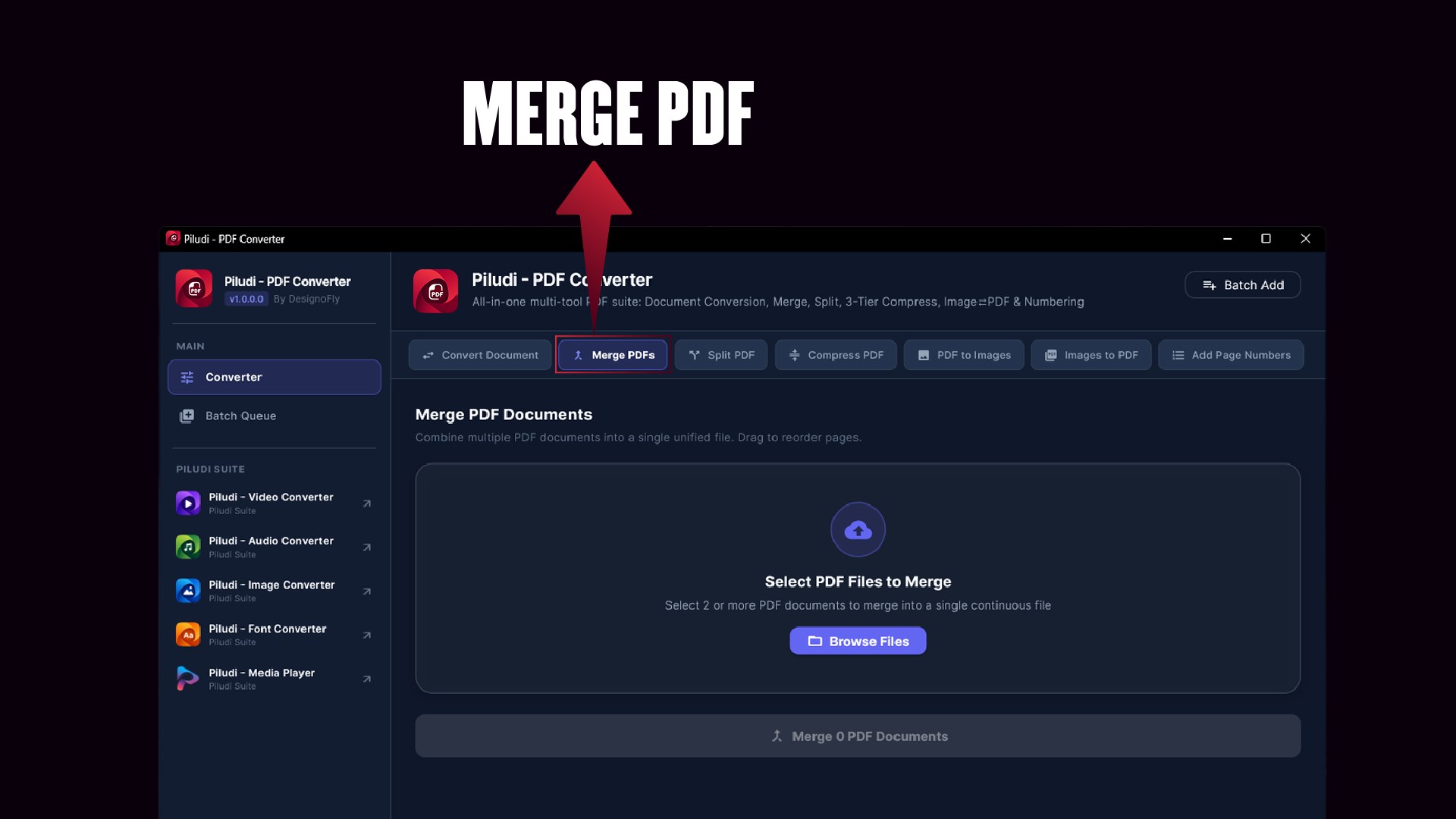
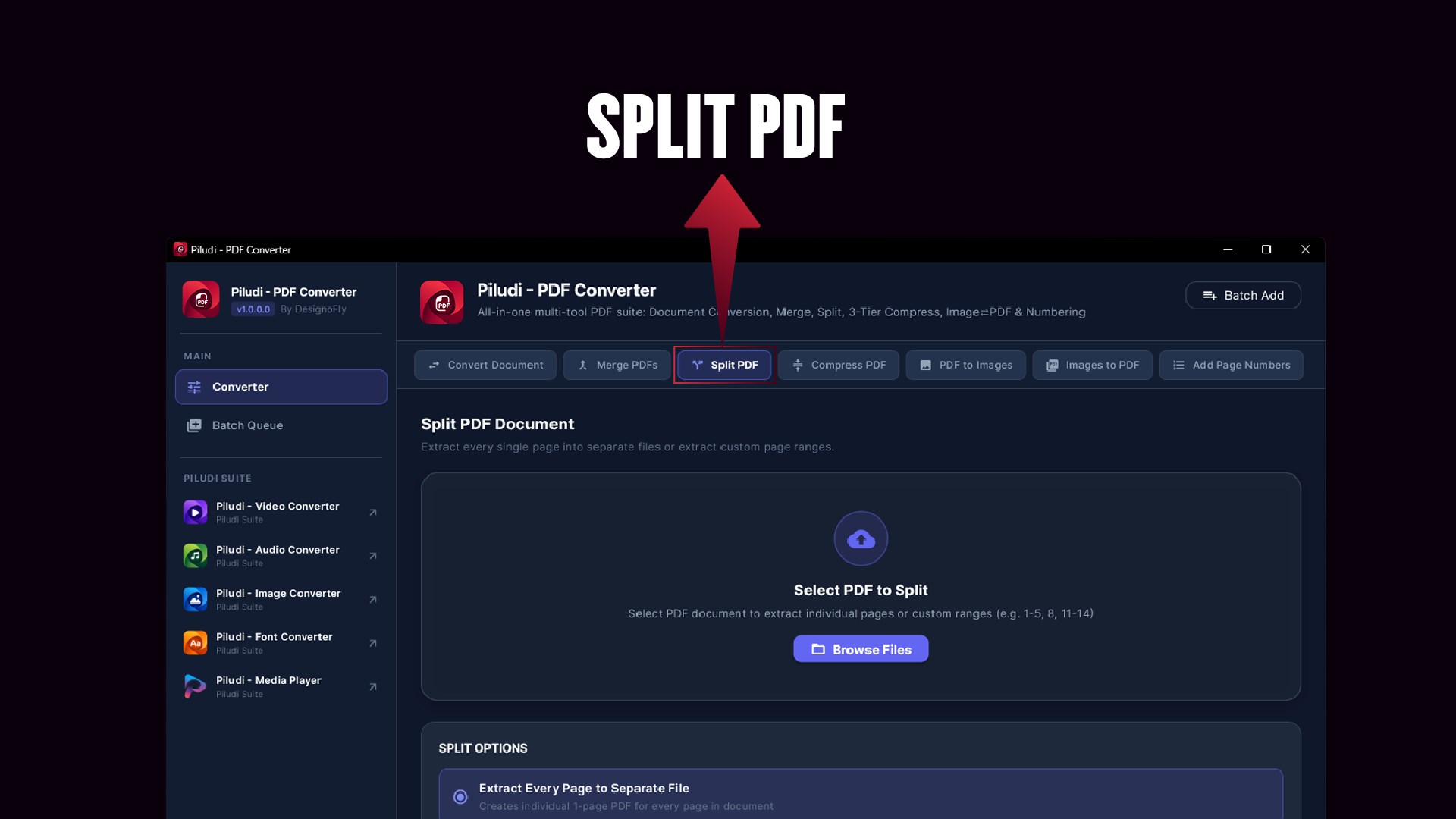
Multi-Report PDF Merge & Precision Range Splitter
Reorganize, assemble, and dissect complex documentation sets with intuitive drag-and-drop controls.
- Interactive Document Merger: Combine multiple invoices, quarterly reviews, or contracts into a single cohesive document.nCustom Page Range Splitter: Extract exact page selections (e.g., 1-5, 8, 12-20) or burst entire files into single-page documents.nZero Quality Degradation: Preserves original vector lines, embedded fonts, and vector artwork.
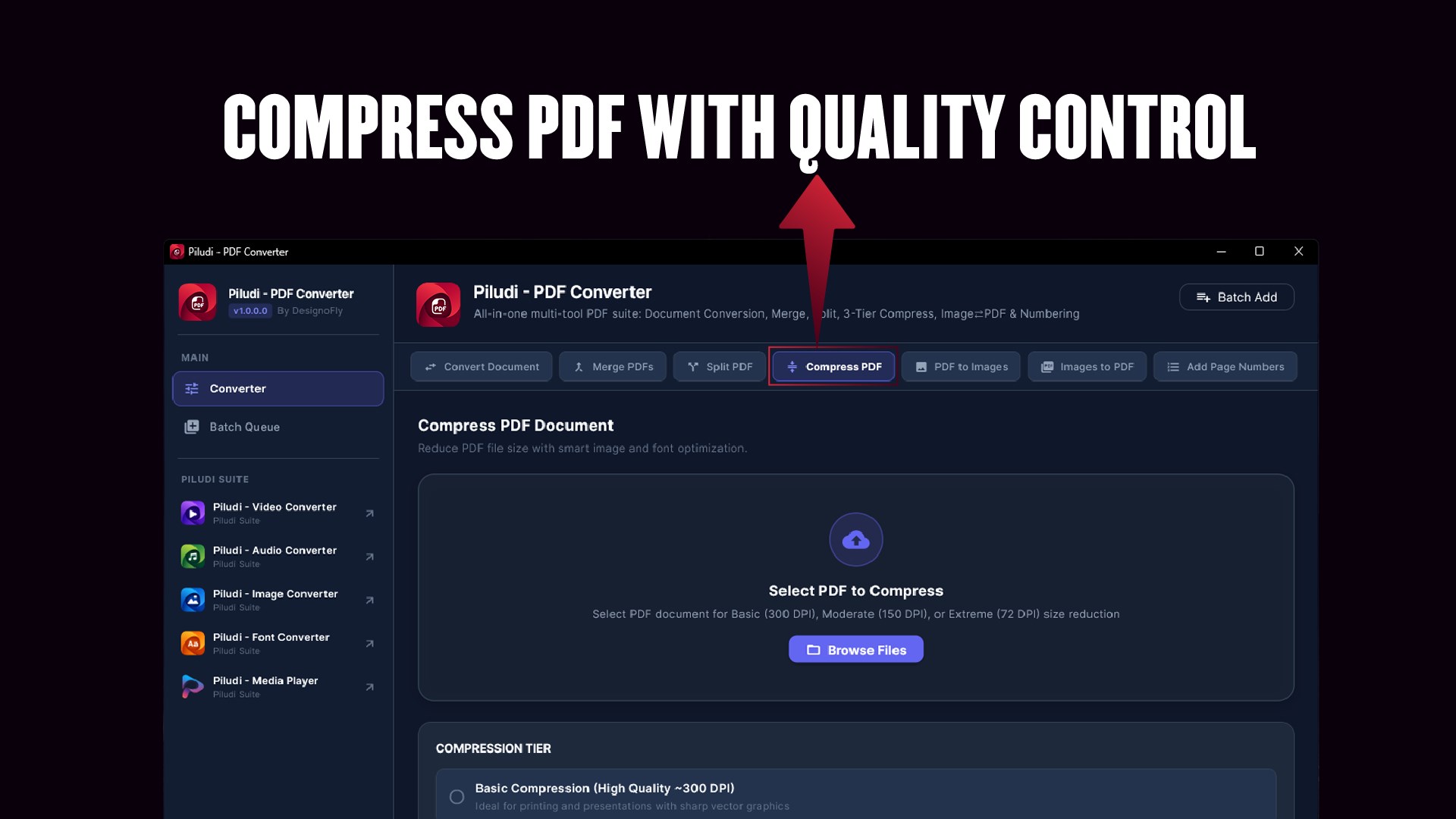
Advanced 3-Tier PDF Compression (Up to 98% Size Reduction)
Drastically reduce PDF file sizes to meet email attachment thresholds and portal upload caps without rendering text unreadable.
- Up to 98% Size Reduction: Drastically slashes multi-gigabyte PDF archives while preserving sharp vector text and clean charts.nBasic Compression (300 DPI): Gentle reduction maintaining commercial print quality for proofs and formal portfolios.nModerate Compression (150 DPI): Balanced shrinkage ideal for routine business email attachments and internal office distribution.nExtreme Compression (72 DPI): Maximum file reduction optimized for web publishing, cloud archiving, and mobile viewing.
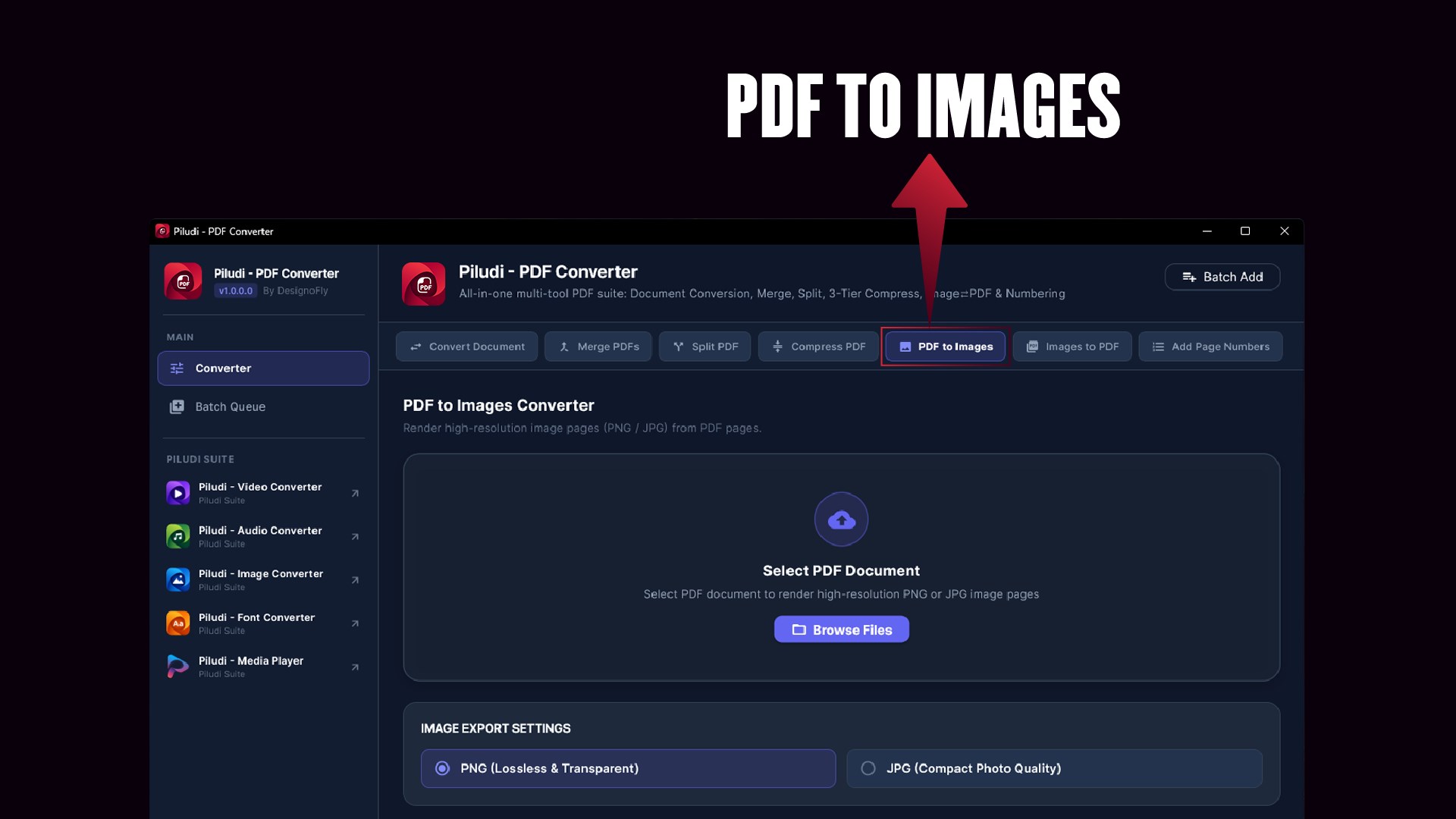
Dual-Engine Image Conversion Matrix
Bridge the gap between graphic media, receipts, scans, and formal documents with batch processing.
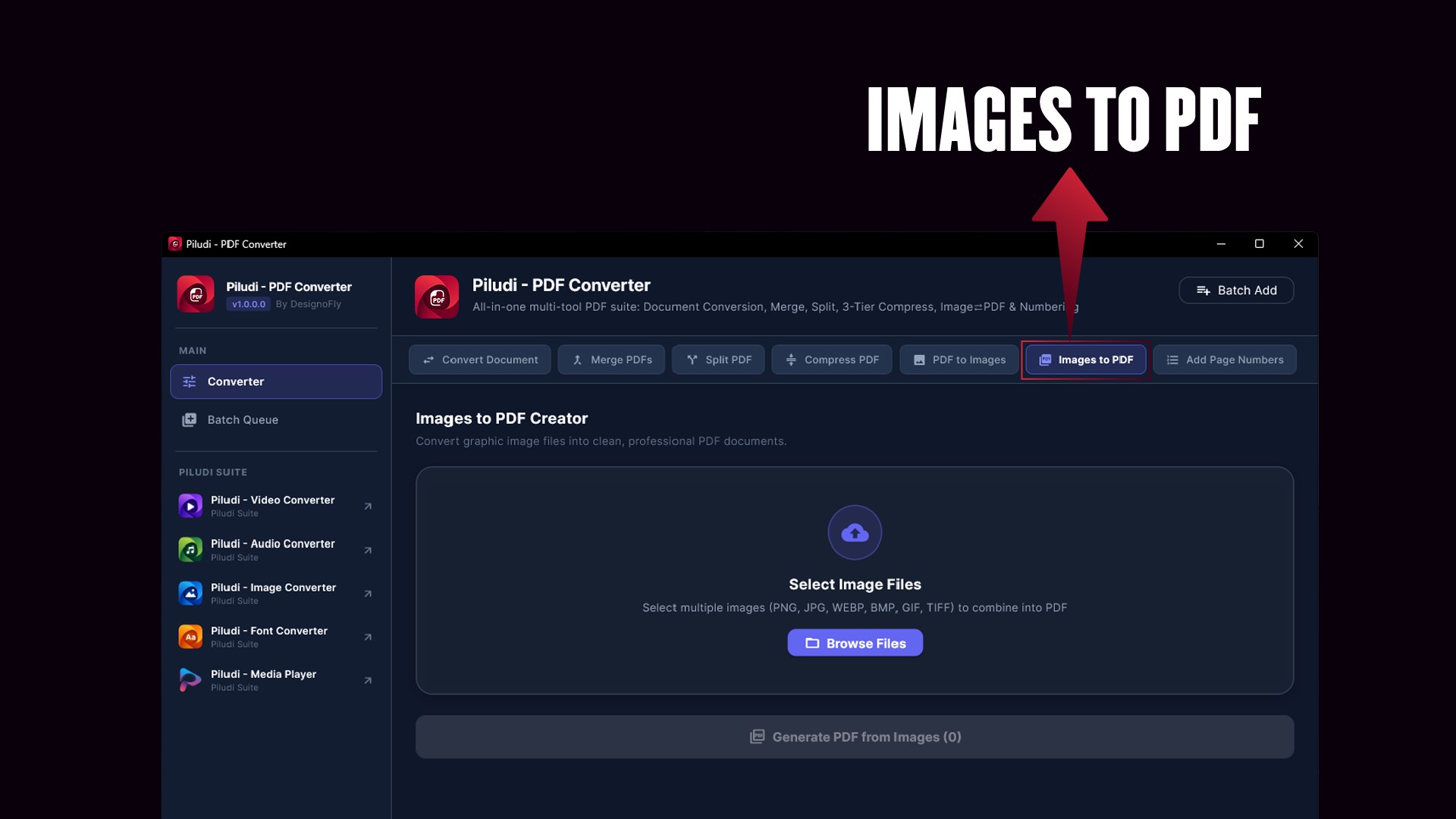
- Images to PDF: Convert JPG, PNG, BMP, WebP, TIFF, and GIF into a unified Multi-Page PDF or separate individual PDFs.nPDF to High-Res Images: Extract document pages into crystal-clear 150 DPI or 300 DPI high-resolution PNG or JPG graphics.nZero Compression Artifacts: Preserves high-density graphic details and scanned legibility.
Dynamic Header & Footer Page Numbering Engine
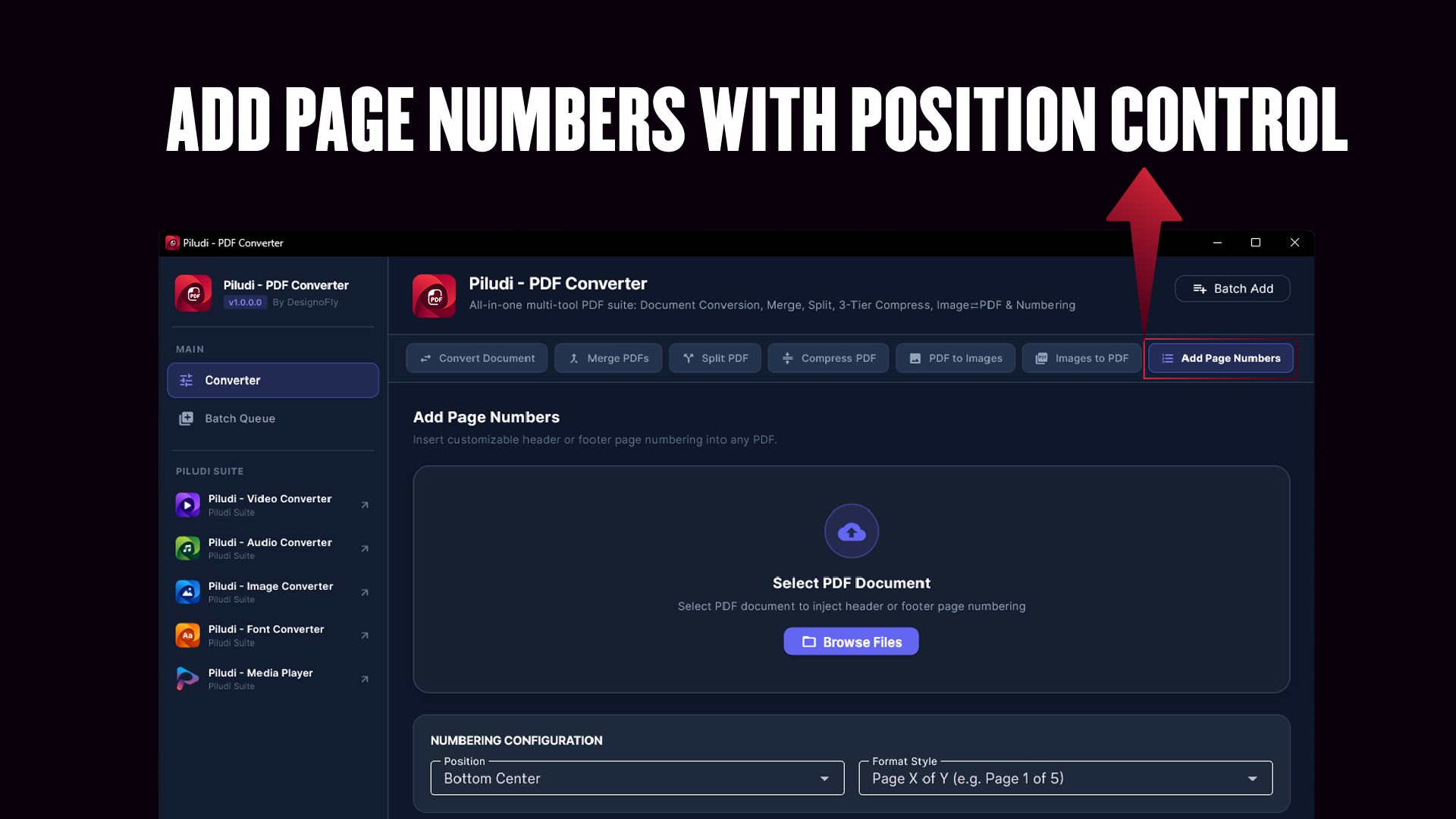
Brand legal briefs, academic packets, or technical manuscripts with custom page numbering stamped at your desired position.
- Desired Placement: Position numbers in Top Header or Bottom Footer with Left, Center, or Right alignment.nFlexible Formats: Format as standard numbers (1, 2, 3), Page X of Y (Page 1 of 24), or custom organizational prefixes.nTypography & Margin Control: Adjust font size, margin offsets, and page inclusion ranges with complete precision.
Deep Piludi Creative Suite Ecosystem Integration
Designed as part of the interconnected Piludi software family for Windows 10 and 11.
- Unified Suite Interoperability: Direct protocol handoff and deep links to Piludi Media Player, Video Converter, Audio Converter, Image Converter, Font Converter, and Ebook Converter.nConsistent Fluent Dark UI: Familiar ergonomics, drag-and-drop workspace, and dark mode styling across the entire suite.n100% Offline PC Standard: Zero subscriptions, no tracking telemetry, and complete privacy across every Piludi app.
Supported Formats & Conversion Capabilities
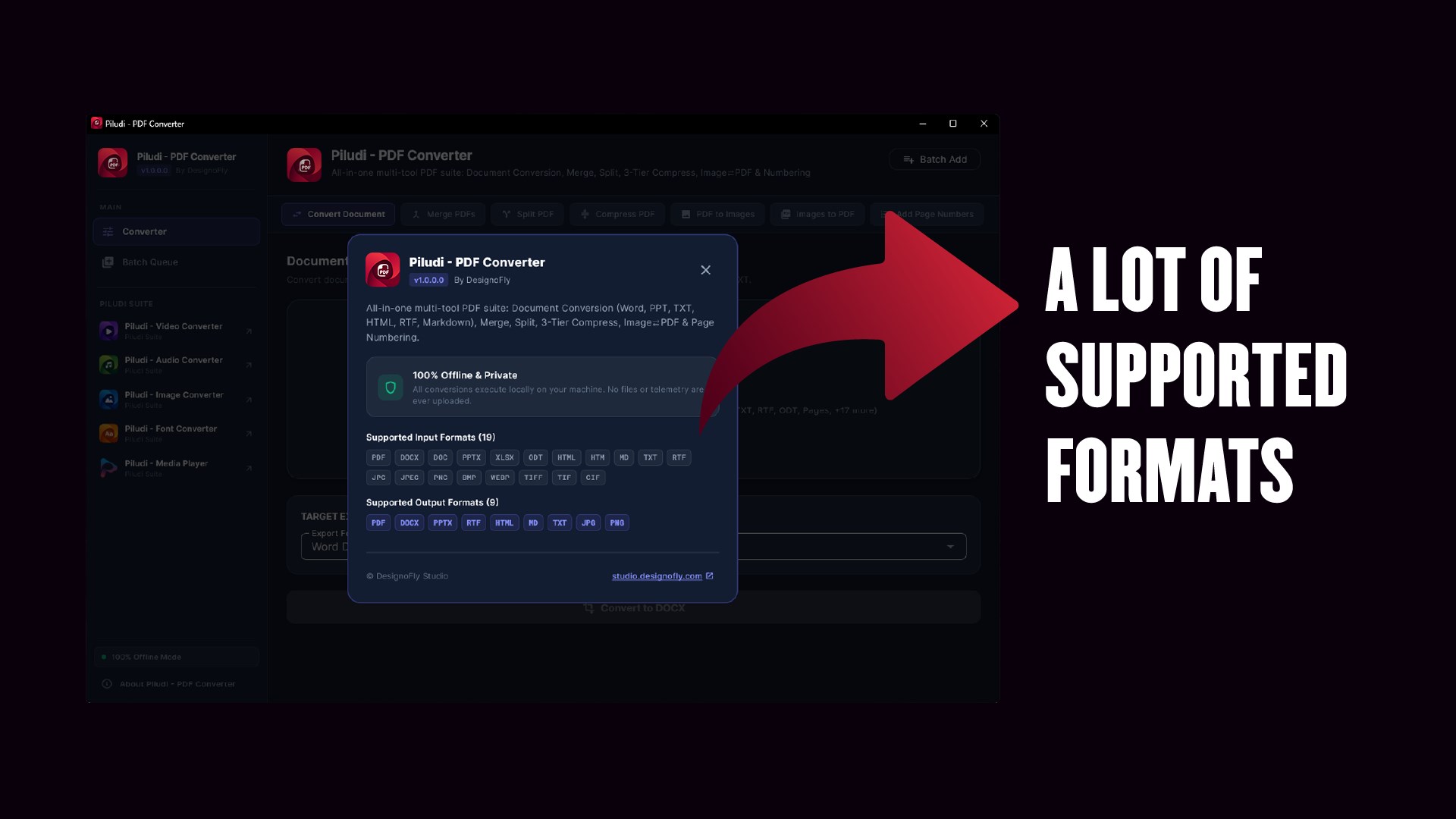
16 Supported Input Formats:
10 Supported Output Formats & Targets:
What's New in Version 1.0.1.0
- ⚠️ Critical Update (Mandatory for All Users): Major engine overhaul ensuring rock-solid stability and compliance across all Windows 10 & 11 systems.
- Brand-New Custom App Icon: Replaced all legacy icon assets with a 100% custom-designed 4500x4500 folded document icon, ensuring complete compliance with Microsoft Store store-brand standards and a crisp, modern Windows 11 Fluent aesthetic.
- Real-Time Progress Tracking (Major Fix): Overhauled progress handling across all 7 core tools (Convert Document, Merge, Split, Compress, PDF to Images, Images to PDF, Add Page Numbers). Every task now strictly begins at 1% and advances in real time without freezing at 96%.
- Multi-Language Unicode Text Engine (NFC): Critical fix for text corruption during PDF to Word (DOCX) conversion. Canonical Composition (NFC) now preserves Indic matras (Bangla, Hindi, Tamil), Arabic RTL harakat, and accented European diacritics without decomposing characters.
- File Handling & Memory Stability: Fixed memory leaks during multi-page high-resolution PDF rendering and added strict output file integrity checks to prevent 0-byte output generation.
- Suite Ecosystem Integration: Added direct cross-app navigation to Video, Audio, Image, Font, Ebook, and Media Player apps via Windows protocol schemes and Microsoft Store deep links.
Ready to use Piludi – PDF Converter locally on your PC?
Download directly from the official Microsoft Store — safe, verified, and 100% free.