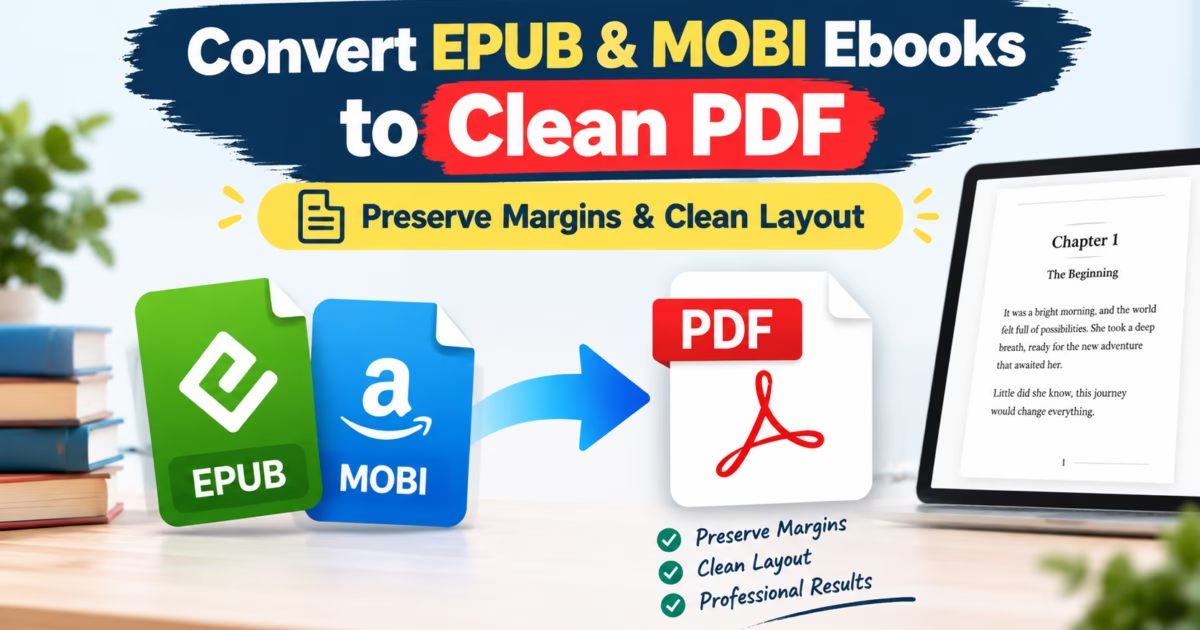
Editorial Technical Solution: When you need to Convert EPUB to PDF on Windows 11, layout preservation is paramount. Specifically, this guide explores how to transform reflowable digital ebooks into clean, printable PDF documents with intact margins, running headers, and hyperlinked navigation. In addition, we review how Piludi Ebook Converter processes digital publications 100% offline with zero cloud book scraping.
When you need to Convert EPUB to PDF on Windows 11, reflowable digital readers present severe formatting obstacles. E-reader devices such as Kindle, Kobo, and Apple Books are engineered for dynamic reflowable text on small handheld screens. However, when academic researchers, students, or legal professionals need to print a book chapter, create physical binders, or annotate literature using a stylus on a Windows PC, reflowable EPUB files become frustratingly difficult to manage.
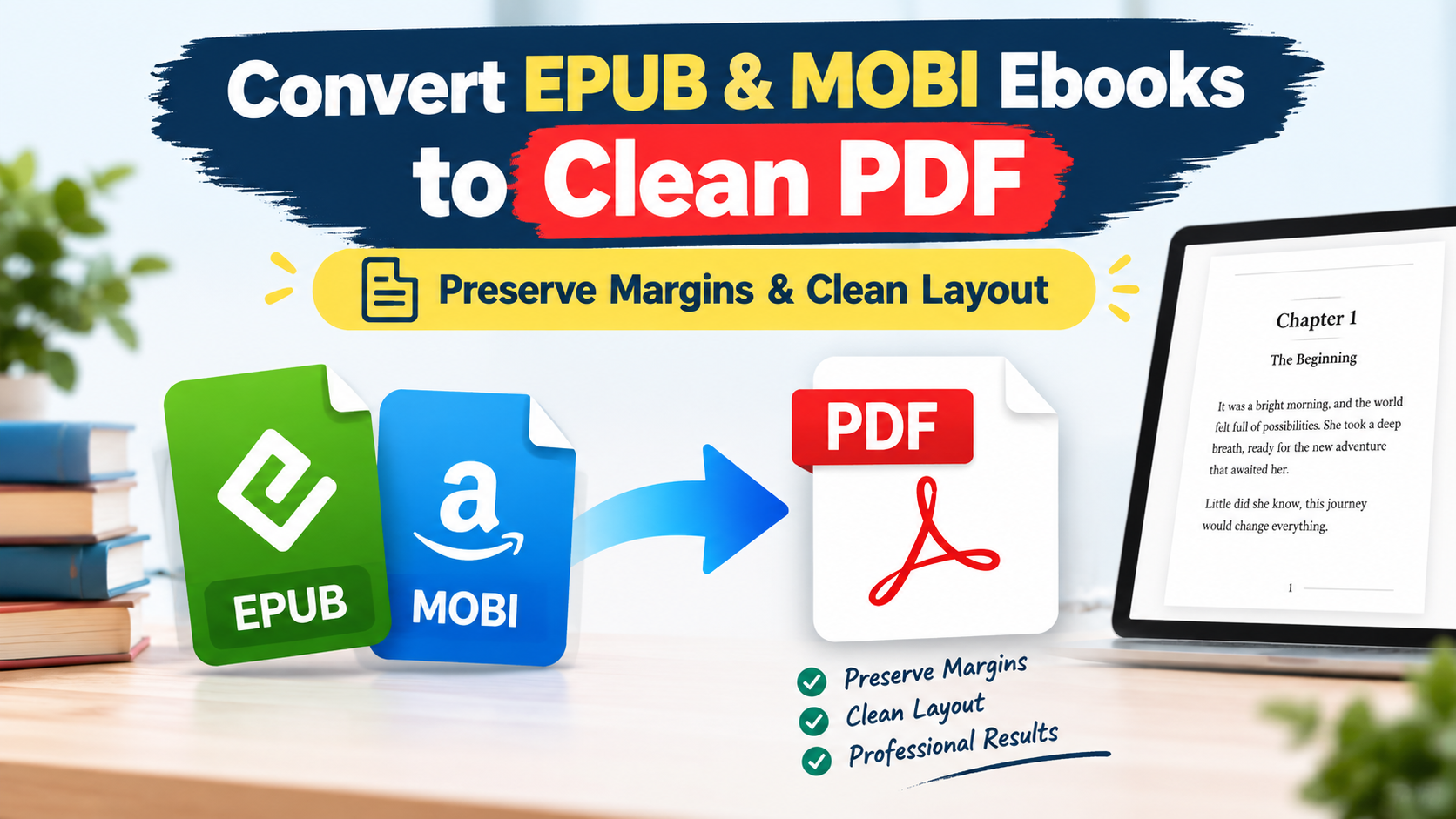
The Reflowable Dilemma: Why Basic Ebook Converters Ruin Book Layouts
To understand why standard ebook conversion tools produce chaotic PDF outputs, you must first examine the architecture of the W3C EPUB 3.3 Specification. An EPUB file is fundamentally a zipped container of HTML5 markup, CSS stylesheets, and XML package manifests. In an EPUB, text has no fixed pages. Instead, words reflow dynamically depending on the reader’s screen size and font preferences.
In contrast, a Portable Document Format (PDF) file adheres to strict fixed-canvas geometry defined by ISO 32000 & ISO 19005 (PDF/A) Standards. When a crude conversion script maps reflowable HTML directly into a PDF canvas, it lacks typographic pagination intelligence. Consequently, section headers get separated from their body paragraphs (orphans), inline diagrams get chopped in half across page boundaries, and page margins bleed completely off the physical paper edge.
Layout Preservation: Margins, Headers, Footnotes & Hyperlinked TOC
Achieving an elegant, book-grade PDF requires advanced spatial typesetting algorithms. A professional ebook conversion pipeline must compute exact page budgets before rendering:
- Symmetrical Margin Allocation: Calculating standard gutter margins (e.g., 0.75 in inner / 0.5 in outer) to guarantee clean physical binding without text obstruction.
- Widow and Orphan Control: Forcing automatic page breaks so that subheadings never sit isolated at the bottom of a page without at least three lines of accompanying body text.
- Hyperlinked PDF Bookmarks: Parsing the EPUB `toc.ncx` navigation map and compiling native PDF interactive bookmarks and clickable table of contents links.
- Footnote Anchoring: Detecting bottom-of-page reference anchors and converting floating endnotes into properly formatted bottom-of-page citations.
Technical Transparency: Editable Digital Ebooks vs Scanned Image PDFs
Piludi Ebook Converter v1.0.0.0 is engineered specifically for editable digital publications containing selectable text streams (e.g., EPUB, MOBI, AZW3, TXT, and native digital PDFs). It utilizes intelligent font-size heading heuristics to reconstruct clean chapters. However, image-only scanned PDFs (such as smartphone photo captures of physical book pages) lack underlying character streams and require optical character recognition (OCR), which is actively planned for future suite releases. Piludi includes built-in heuristic scan detection to alert users immediately if an image-only scan is imported.
The Privacy Danger: Why Web Ebook Converters Harvest Your Library
Many users instinctively upload manuscripts or purchased ebooks to free online conversion portals. What users do not realize is that books represent valuable training corpora for large language models:
- Commercial Scraping & Data Harvesting: Unpublished drafts, sensitive corporate training manuals, and academic research papers are frequently ingested into cloud databases.
- DRM and Metadata Leaks: Personal watermarks and purchaser identification tokens embedded inside digital books can be harvested by third-party web trackers.
- Slow Upload Speeds: Heavy technical manuals containing hundreds of high-resolution diagrams take minutes to transfer over web connections.
Windows 10 & 11 Desktop Publishing Utility
Convert Ebooks to Clean PDF with Piludi Ebook Converter
Transform EPUB, MOBI, and digital documents into pristine, printable PDF books with intact margins, elegant typography, and hyperlinked navigation right on your local PC.
Step-by-Step Blueprint: How to Convert EPUB to PDF with Pristine Layout
Follow this direct technical workflow to convert reflowable ebook collections into publication-ready PDF documents:
Launch Piludi Ebook Converter & Import Digital Titles
Open Piludi – Ebook Converter on your Windows PC. Drag and drop your EPUB, MOBI, or digital publication files into the batch workspace. Furthermore, you can import multiple books simultaneously for batch processing.
Select Page Geometry & Margin Presets
Under the Page Setup menu, choose your desired target canvas: Standard US Letter (8.5 x 11 in), ISO A4, or Tablet Optimized (iPad / Surface 4:3 Ratio). In addition, select your preferred base font size and margin profile.
Generate Printable PDF & Verify Table of Contents
Click Convert to PDF. Piludi compiles CSS styles, establishes clean page breaks, and embeds interactive document bookmarks in seconds. Open the converted PDF in your preferred reader to verify chapter navigation and print directly.
Custom Page Canvas Presets: Matching Your Reading Medium
Selecting the appropriate page format ensures maximum readability whether reading on screen or printing hard copies:
Frequently Asked Questions on Ebook to PDF Conversion
Will hyperlinked chapter links and external web URLs work in the converted PDF?
Yes. Piludi Ebook Converter compiles all internal anchor tags into native PDF GoTo link actions. Clicking any entry in the Table of Contents instantly jumps to the corresponding chapter page. Furthermore, external web citations and DOI reference links remain fully clickable in standard PDF viewers.
Does Piludi Ebook Converter require Calibre or Python to be installed?
No. Unlike many open-source tools that require heavyweight Calibre installations or Python runtime dependencies, Piludi Ebook Converter is completely standalone. It runs natively as an optimized C# / WinUI desktop binary with zero external dependencies.
Can I convert Kindle MOBI and AZW3 files to PDF?
Yes. Piludi Ebook Converter unpacks unencrypted MOBI, AZW3, and PalmDOC digital files, reconstructs their internal XHTML chapters, and formats them into clean PDF documents adhering to standard typographic rules.
Discover More Productive Windows Tools
Explore the DesignoFly Studio collection of native desktop software engineered for document mastery, high-performance media playback, and local file privacy.