
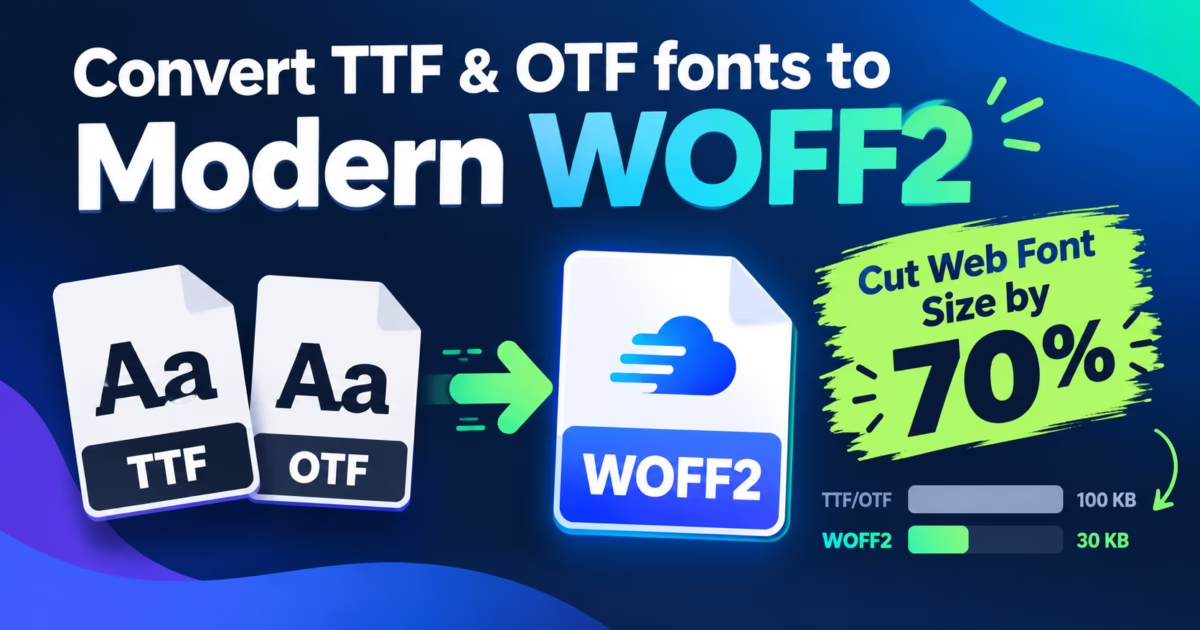
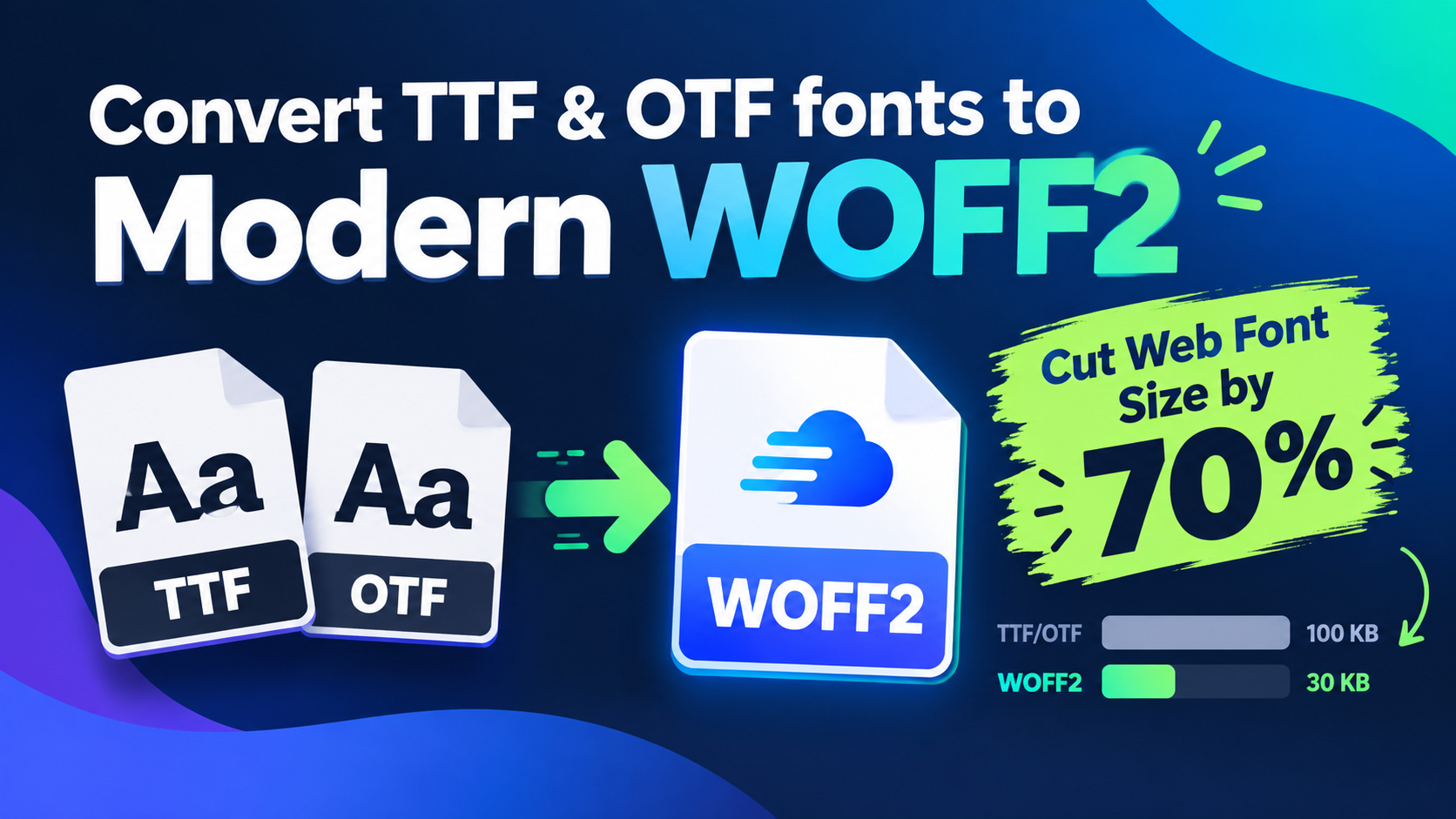
Editorial Technical Solution: When you need to Convert TTF to WOFF2 for web typography, file size compression is critical. Specifically, this guide explores how the WOFF2 format leverages Brotli compression and font table transforms to cut typography payloads by up to 75%. In addition, we show how to generate production-ready @font-face CSS rules while converting fonts 100% offline on Windows with Piludi Font Converter.
When you need to Convert TTF to WOFF2 for modern websites, traditional desktop formats present severe performance penalties. Every web designer understands the impact of custom typography on brand personality. However, serving raw TrueType (.ttf) or OpenType (.otf) font files across mobile networks severely damages Google Core Web Vitals. Uncompressed font files frequently weigh between 800KB and 2.5MB per weight. Furthermore, the browser must pause text rendering while downloading these heavy assets. As a result, visitors experience noticeable flashes of invisible text (FOIT) and disruptive layout shifts.
The Core Web Vitals Penalty: How Raw TTF Fonts Damage Page Speed
Google evaluates web performance through three key Core Web Vitals metrics: Largest Contentful Paint (LCP), Interaction to Next Paint (INP), and Cumulative Layout Shift (CLS). Unoptimized web typography directly damages both LCP and CLS.
When a browser parses an uncompressed 1.8MB TTF font linked in your stylesheet, it blocks the rendering tree. If you employ multiple font weights (Regular, Semi-Bold, Bold, and Italic), the combined typography payload can exceed 6 megabytes. On mobile cellular connections, downloading these assets takes multiple seconds. Consequently, visitors encounter blank headline spaces, and mobile bounce rates skyrocket. In addition, when the font finally pops into view, text reflow alters page geometry, causing heavy CLS penalties that harm search engine rankings.
Inside WOFF2: The Brotli Compression Engine & SFNT Table Transforms
To solve the web typography bandwidth crisis, the World Wide Web Consortium established the W3C WOFF2 (Web Open Font Format 2.0) Recommendation. WOFF2 represents a massive leap over original WOFF 1.0 and raw TTF containers.
First, WOFF2 replaces legacy zlib/gzip compression with the IETF RFC 7932 Brotli Compression Algorithm. Brotli utilizes a pre-defined static dictionary and sliding window LZ77 matching engineered specifically for repetitive data patterns. Second, WOFF2 introduces preprocessing transforms for glyph outline tables (`glyf` and `loca`). The transformation algorithm strips redundant header tables, reconstructs point coordinates into compact delta arrays, and reorders composite glyph references. As a result, a 1,200KB TTF font typically compresses into an astonishingly small 280KB WOFF2 file—delivering up to 75% bandwidth reduction without losing a single glyph or ligature.
The Cloud Converter Trap: Commercial Font Licensing & IP Risks
When agency designers need to convert a custom desktop font into web formats, many resort to free online font converter portals. However, uploading proprietary font files to unvetted cloud sites introduces legal and security hazards:
- Commercial License Infringement: Most enterprise font licenses from foundries (e.g., Monotype, Linotype, Adobe) strictly prohibit transmitting font binaries to third-party web servers.
- Intellectual Property Exposure: Custom corporate brand fonts uploaded to public converter websites can be scraped, stored in server caches, or redistributed.
- Silent Glyph Stripping: Inferior cloud conversion scripts frequently strip OpenType discretionary ligatures, kerning pairs, and tabular numbers to reduce processing load.
- Arbitrary Batch Throttles: Free web portals limit uploads to two files at a time, forcing developers to waste hours waiting through artificial countdown timers.
Windows 10 & 11 Desktop Typography Studio
Convert Desktop Fonts to Web-Ready WOFF2 with Piludi Font Converter
Transcode TTF, OTF, WOFF, and EOT font families into high-performance WOFF2 assets right on your local PC. Enjoy multi-threaded batch conversions, zero cloud uploads, and intact OpenType typography features with Piludi – Font Converter.
Step-by-Step Blueprint: How to Convert TTF to WOFF2 for Web Typography
Follow this step-by-step engineering workflow to convert your font families into optimized WOFF2 web assets with zero data leakage:
Import Font Files into Piludi Font Converter
Launch Piludi – Font Converter on your Windows PC. Drag and drop your entire font family (TTF or OTF files) into the batch conversion panel. Furthermore, you can import individual weights or entire directory trees simultaneously.
Select WOFF2 as Target Output & Configure Compression Level
In the target format menu, select WOFF2 (Web Open Font Format 2.0). Set the Brotli compression parameter to maximum quality (Level 11). In addition, ensure that the Preserve OpenType Features and Retain Kerning Tables checkboxes remain enabled.
Execute Batch Conversion & Copy Production CSS
Click Convert All Fonts. Piludi’s multi-threaded engine processes dozens of font files in seconds. Once complete, click Generate CSS to instantly copy modern @font-face declarations pre-configured with font-display: swap;.
Production-Ready @font-face CSS Implementation
To achieve the fastest possible rendering and prevent layout shifts, use the following production CSS snippet in your website’s stylesheet:
/* Modern Optimized WOFF2 @font-face Implementation */
@font-face {
    font-family: 'CustomBrandSans';
    src: url('/fonts/custom-brand-sans.woff2') format('woff2');
    font-weight: 400;
    font-style: normal;
    font-display: swap;
    unicode-range: U+0000-00FF, U+0131, U+0152-0153, U+02BB-02BC, U+02C6, U+02DA, U+02DC;
}

/* Preload Essential Above-the-Fold Web Font */
<link rel="preload" href="/fonts/custom-brand-sans.woff2" as="font" type="font/woff2" crossorigin>
By applying font-display: swap;, the browser renders fallback system typography immediately, ensuring zero seconds of blank invisible text. Once the lightweight WOFF2 file finishes loading in the background, the custom typeface renders seamlessly. Furthermore, preloading the primary body weight via the HTML header eliminates font download latency entirely for first-time visitors.
File Size Benchmark: TTF vs WOFF vs WOFF2
The table below outlines real-world compression results across standard typography weights processed through Piludi Font Converter:
Frequently Asked Questions on Web Typography & WOFF2 Support
Do modern web browsers still require legacy EOT or TTF fallbacks?
No. Today, WOFF2 is supported by over 98% of all global web browsers, including Chrome, Safari, Edge, Firefox, and mobile operating systems. Providing legacy EOT or raw TTF fallback formats inside your @font-face rules adds unnecessary syntax bloat. A single WOFF2 source declaration is sufficient for modern production websites.
Does converting TTF to WOFF2 alter typography kerning or font hinting?
Piludi Font Converter preserves all embedded TrueType instructions, hinting bytecode, and GPOS/GSUB kerning tables intact. The Brotli transformation merely re-encodes data bytes more efficiently; it never modifies vector coordinates or character glyph geometries.
Can Piludi Font Converter convert Variable Fonts (VF) to WOFF2?
Yes. Piludi fully supports OpenType variable font tables (`fvar`, `gvar`, `avar`). When you convert a variable TTF font to WOFF2, all design axes (weight, width, slant) remain completely operational, allowing web developers to control hundreds of typographic variations through CSS font-variation-settings.
Build High-Speed Websites with DesignoFly Studio
Explore our curated suite of Windows creative utilities engineered to accelerate web workflows, optimize digital assets, and protect confidential IP.