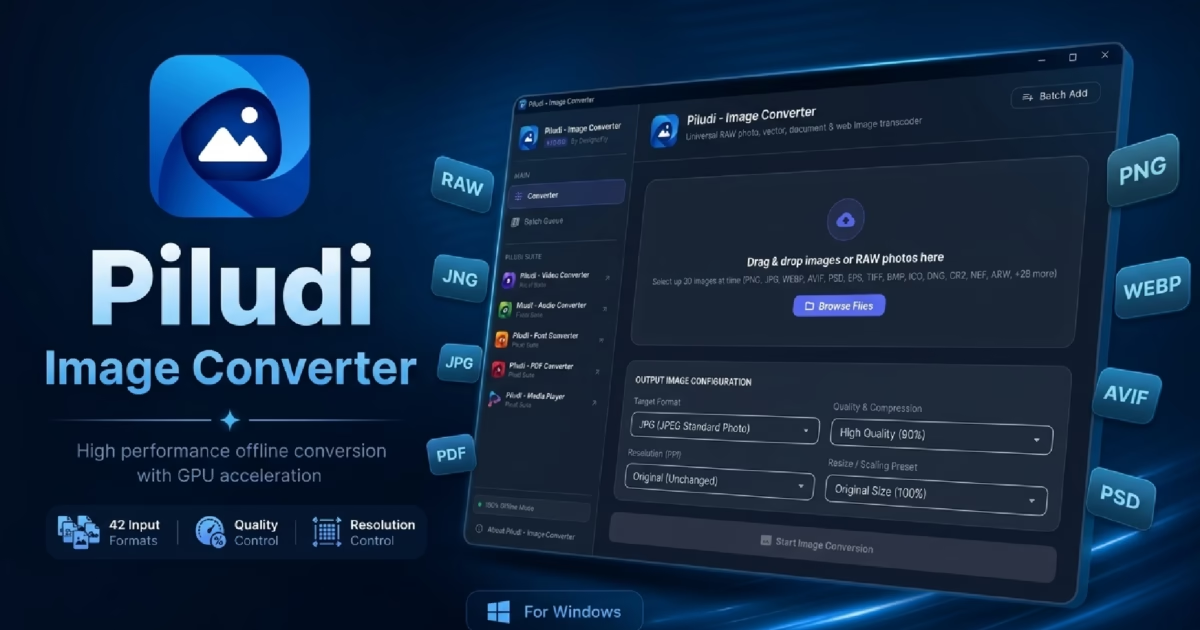
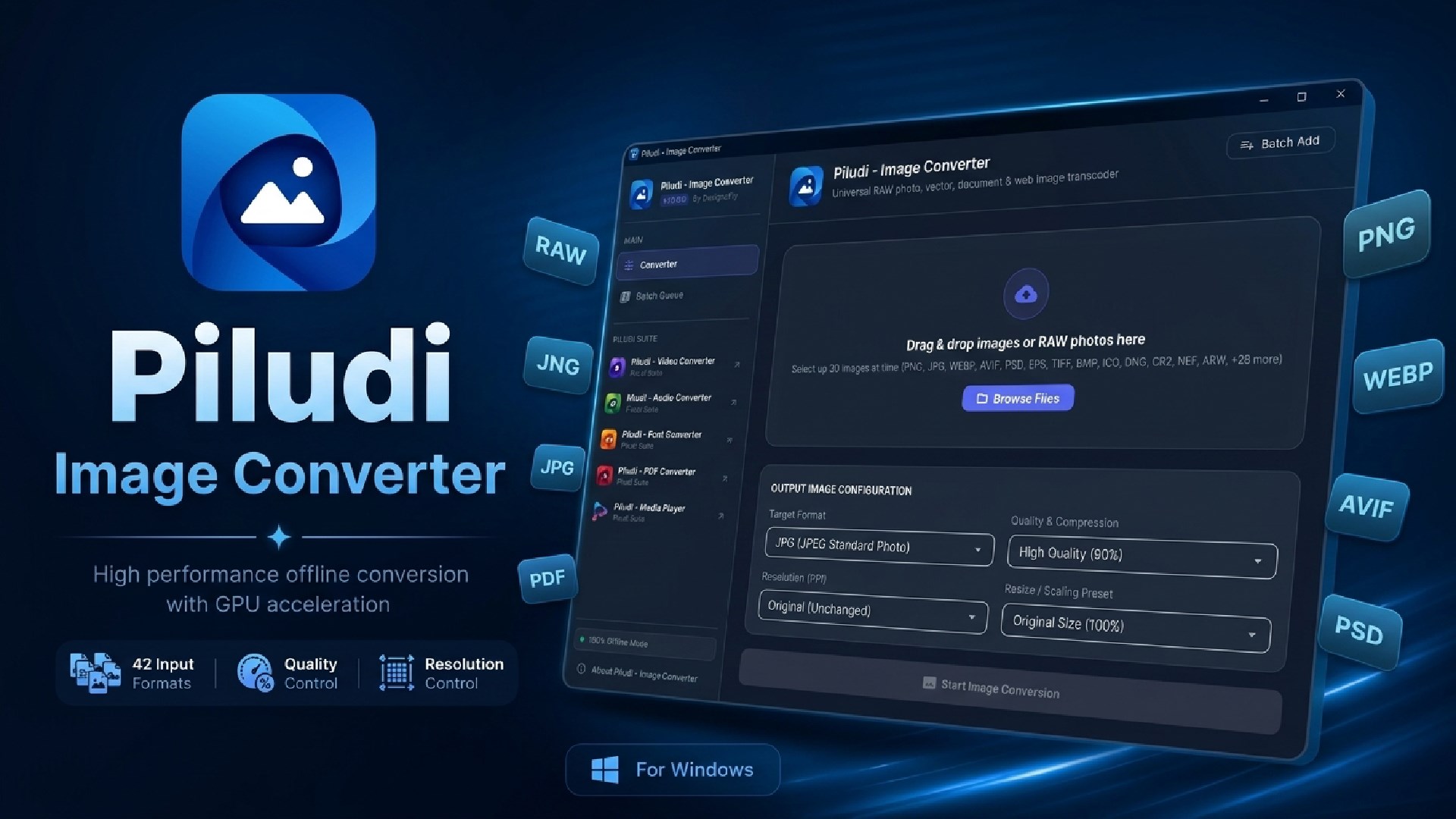
Software Launch & Deep Dive: Piludi – Image Converter (v1.0.0.0) is officially live on Windows 10 & 11. Designed as an all-in-one offline graphics workstation, it provides bi-directional conversion across 50+ image standards, DSLR Camera RAW decoding (Canon, Nikon, Sony, Fuji, DNG), Next-Gen WebP/AVIF compression, multi-resolution Windows ICO generation, and 300 DPI commercial print controls.
Whether you are a professional photographer processing high-resolution sensor dumps from DSLR cameras, a frontend web developer optimizing heavy graphic assets for lightning-fast Core Web Vitals, or a graphic designer preparing vector branding for 300 DPI commercial press, having an authoritative, versatile Image Converter and Batch Image Converter is non-negotiable. Yet, for years, creative professionals have been forced to navigate bloated, subscription-heavy editing suites or gamble confidential photos on risky web converters that upload uncompressed files to third-party cloud servers.
In reality, image transcoding involves far more than simply altering an image file extension. Modern image standards require specialized color matrix interpretation, sub-sampling adjustments, ICC profile preservation, and mathematically optimized quantization tables. When an uncalibrated converter squashes dynamic range or drops alpha transparency channels, images suffer from severe color banding, washed-out tones, and blurred typography.
To solve these image processing bottlenecks with uncompromising precision, DesignoFly Studio is proud to announce the official release of Piludi – Image Converter (Version 1.0.0.0), available now on our dedicated Piludi – Image Converter Software Hub (with verified Microsoft Store installation). In this architectural review, we explore how the software works, examine its 50+ supported formats, and demonstrate why Piludi Image Converter is the ultimate offline graphics utility for Windows.
Get Piludi – Image Converter (v1.0.0.0)
100% Offline Desktop Utility. 50+ Image Formats, Camera RAW Decoding, Next-Gen WebP/AVIF, Windows Multi-Layer ICO Builder, 300 DPI Print Controls, and Zero Cloud Uploads. View full technical specs and get direct Microsoft Store installation on our dedicated software page.
🔬 How Piludi Image Converter Works: Under the Hood
Rather than relying on basic image re-sampling libraries, Piludi – Image Converter is engineered around a dedicated dual-pipeline image synthesis architecture:
Pipeline 1: RAW & Raster Decoding Synthesizer
Features an advanced demosaicing parser capable of reading raw sensor Bayer matrices directly from Canon, Nikon, Sony, Fuji, and DNG cameras. Applies non-destructive color space mapping to convert 12-bit and 14-bit RAW dynamic range into crystal-clear, web-optimized PNG, WebP, or AVIF formats.
Pipeline 2: Vector Rasterizer & Icon Matrix Engine
Incorporates a high-precision Cairo/PostScript rasterizer for rendering SVG, EPS, PS, and PDF vector assets with crisp sub-pixel anti-aliasing. Simultaneously drives an automated multi-layer Windows ICO compiler that packs 7 distinct square resolutions into a single application icon.
🏆 Why Piludi is the Best Image Converter: 6 Standout Features
1. 50+ Supported Formats Across Every Visual Medium
From high-end commercial DSLR captures to legacy desktop bitmap archives, Piludi provides seamless bi-directional conversion across more than 50 visual standards:
- Next-Gen Web Standards: AVIF, WebP, HEIC, and HEIF for modern web performance.
- Standard Photographic Raster: PNG with full alpha-channel transparency, JPG, JPEG, BMP, GIF, and TIFF.
- Commercial Vector & Publishing: SVG, EPS, PostScript (PS), Adobe Illustrator (AI), and PDF.
- Specialized Graphic Containers: Adobe Photoshop PSD/PSB, Targa (TGA), DDS, and GIMP XCF.
2. Native DSLR Camera RAW Sensor Decoding
Photographers no longer need expensive recurring subscriptions simply to convert uncompressed camera dumps into shareable image formats. Piludi natively processes Canon (CR2, CR3, CRW), Nikon (NEF), Sony (ARW), Fujifilm (RAF), Olympus (ORF), Panasonic (RW2), and Adobe Digital Negative (DNG) files with flawless color fidelity.
3. Windows Multi-Resolution Icon (.ICO) Generator
Building Windows application icons usually requires complicated third-party tools. Piludi generates multi-layer Windows icons containing 16×16, 24×24, 32×32, 48×48, 64×64, 128×128, and 256×256 pixel layers with preserved alpha transparency in a single operation.
4. Precision 300 DPI Print & Offset Press Controls
Preparing artwork for commercial printing, book illustrations, or marketing brochures requires accurate metadata tags. Piludi allows you to stamp exact target print resolutions—including 300 DPI (commercial press standard), 150 DPI (office documentation), and 72/92 DPI (web standard)—without stretching or altering pixel dimensions.
5. Interactive Quality & Compression Optimizer
Reduce heavy multi-megabyte image assets into lightweight, web-optimized graphics. Piludi provides a fine-grained quality slider (1% to 100%) that eliminates unnecessary byte overhead while preserving edge sharpness, micro-contrast, and color vibrancy.
6. 100% Private, Secure & Completely Offline
Your personal photos, family albums, and commercial client assets should never be uploaded to remote cloud conversion websites. Piludi executes 100% locally on your PC. It transmits zero telemetry, conducts no tracking, displays no ads, and requires no internet connection.
📊 Format Matrix: 50+ Input Formats & 16 Pro Export Targets
Below is the complete technical matrix of image formats supported by Piludi – Image Converter on Windows 10 & 11:
| Category | Supported Codecs & Extensions (50+ Inputs) | Primary Publishing Workflow |
|---|---|---|
| Modern Web & Mobile | WEBP, AVIF, HEIC, HEIF, PNG, JPG, JPEG |
Ultra-fast web asset loading, responsive imagery, and iPhone HEIC conversion. |
| DSLR Camera RAW Sensors | CR2, CR3, NEF, ARW, DNG, RAF, ORF, RW2 |
Direct camera dump conversion for client proofs, web portfolios, and archival. |
| Vector & Print Publishing | SVG, EPS, PS, AI, PDF, TIFF |
Rasterizing vector brand assets and preparing 300 DPI commercial press graphics. |
| Design & Application Icons | PSD, PSB, ICO, ICNS, BMP, TGA, DDS |
Multi-layer Windows software icons, Photoshop layer extraction, and game textures. |
🎯 16 Precision Export Standards:
JPG / JPEG (Standard)
WebP (Modern Web)
AVIF (Next-Gen Web)
ICO (Multi-Size Icon)
TIFF (Lossless Archival)
BMP (Windows Bitmap)
SVG (Scalable Vector)
EPS (Encapsulated PostScript)
PDF (Portable Document)
PSD (Photoshop Document)
GIF (Graphics Interchange)
💡 Three Practical Image Converter Workflows
Workflow 1: Converting Heavy DSLR Camera RAW Dumps to WebP/JPG
Returning from a photoshoot with hundreds of 50MB Canon CR3 or Sony ARW RAW files can overwhelm regular viewers. To transcode:
- Drop your entire camera memory card folder into Piludi – Image Converter.
- Select WebP or JPG as the target output format.
- Adjust the quality slider to 85% for the optimal balance between visual clarity and file size.
- Click Convert. Piludi’s multi-threaded demosaicing pipeline processes hundreds of RAW captures into compact, shareable photos in seconds.
Workflow 2: Generating Multi-Resolution Windows Application Icons (.ICO)
Software developers and Windows customizers require multi-layer icons that look crisp across desktop, taskbar, and file explorer view modes:
- Import a high-resolution 512×512 or 1024×1024 transparent PNG logo into Piludi.
- Select ICO (Multi-Size Icon) as the output container.
- Click Convert. Piludi compiles an embedded `.ico` package housing 16px, 24px, 32px, 48px, 64px, 128px, and 256px resolution layers.
Workflow 3: Stamping 300 DPI Metadata for Commercial Print Publications
Commercial printers often reject graphic submissions that lack standardized 300 DPI header tags:
- Import your book cover illustrations, posters, or packaging designs into Piludi.
- Choose TIFF or PNG as the output format.
- Under the Print DPI selector, choose 300 DPI.
- Export your files. The target print resolution metadata is embedded cleanly without altering raw pixel geometry.
❓ Image Converter Frequently Asked Questions (FAQ)
Is Piludi – Image Converter completely free to use?
Yes. Piludi – Image Converter is 100% free with no in-app purchases, no subscription tiers, zero watermarks, and no batch limits. It is available directly from the Microsoft Store for Windows 10 and 11.
Can Piludi convert iPhone HEIC photos on Windows?
Yes. Piludi includes native HEIC and HEIF decoding codecs. You can drag and drop iPhone photo dumps directly into Piludi and batch convert them to JPG, PNG, or WebP without installing third-party codecs.
Does Piludi support commercial DSLR Camera RAW formats?
Yes. Piludi natively decodes uncompressed RAW files from Canon (CR2, CR3), Nikon (NEF), Sony (ARW), Fuji (RAF), Olympus (ORF), and Adobe DNG with high-precision color reproduction.
Are my private family photos and proprietary graphics safe?
Absolutely. Piludi executes 100% offline on your local PC hardware. It transmits zero telemetry, conducts no tracking, and never uploads your images or metadata to remote servers.
Upgrade Your Creative Toolkit with Piludi – Image Converter
Experience studio-grade batch image conversions, DSLR RAW decoding, and complete offline photo privacy on your Windows PC. Visit our official software page to inspect full technical specs, review screenshots, and get direct Microsoft Store access.