

Piludi – Font Converter
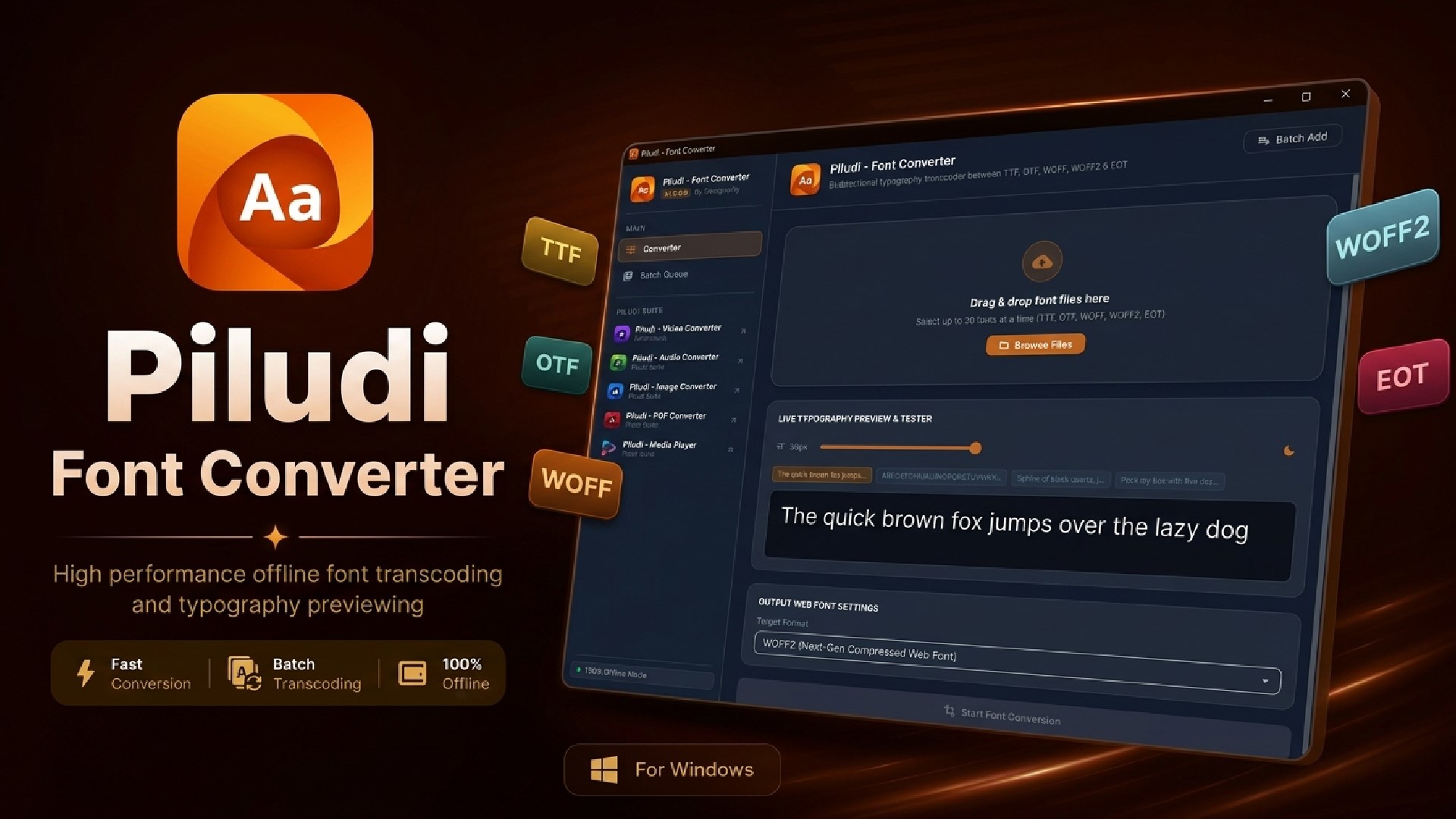
Modern offline typography converter and font table inspector for Windows. Converts TTF, OTF, WOFF, WOFF2, and EOT with Brotli/ZLib compression and live preview sandbox.
App Interface & Workflow
Features & Processing Modes
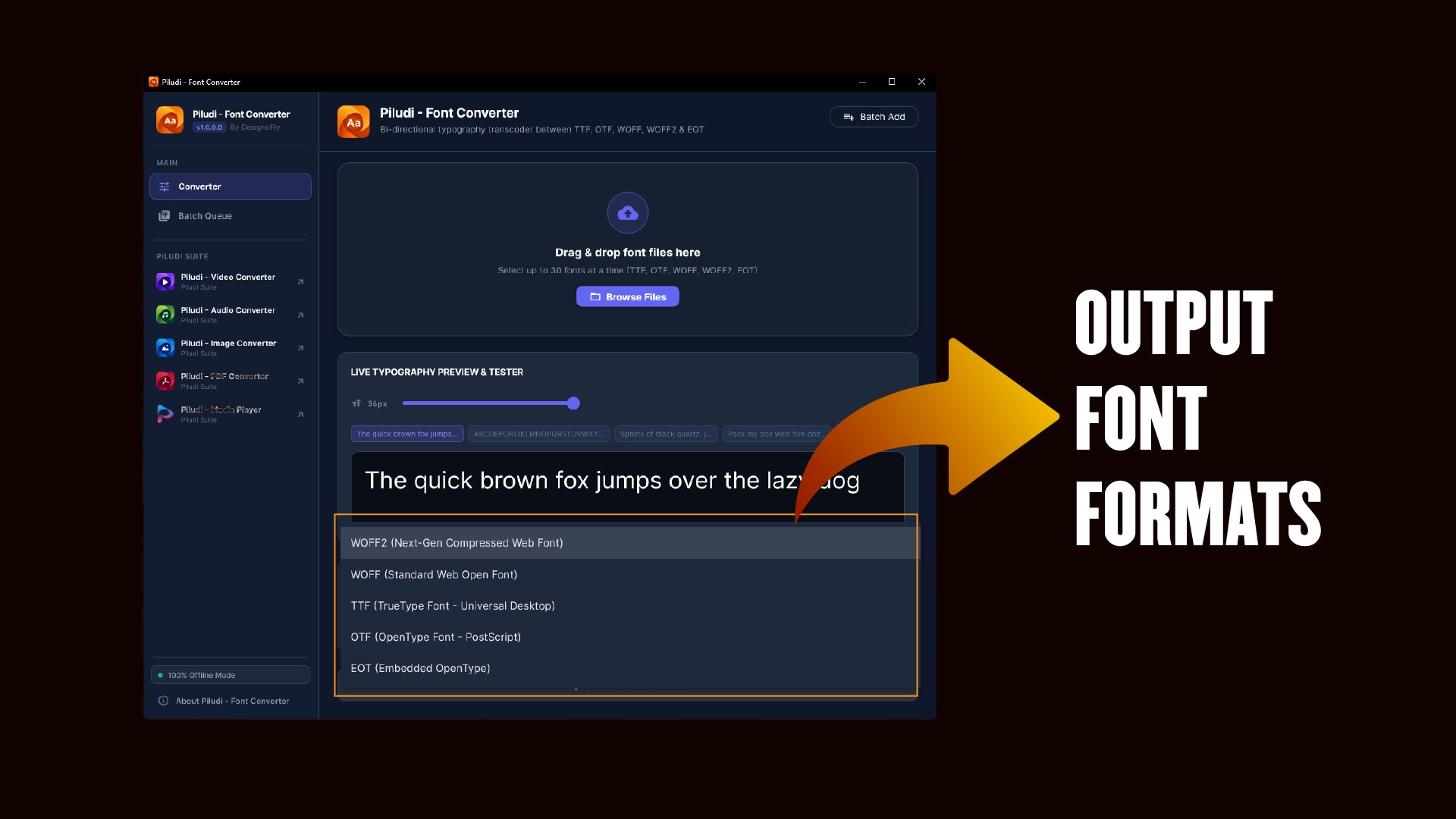
Bi-Directional Conversion Across All Font Formats
Convert desktop typefaces into lightweight web fonts or decode web formats into desktop fonts.
- Universal TrueType (.ttf) and OpenType (.otf) with preserved ligatures and alternates.nModern Web Open Font Format 2 (.woff2) powered by high-efficiency Brotli compression.nUniversal Web Open Font Format (.woff) with ZLib compression for legacy browsers.nEmbedded OpenType (.eot) for enterprise systems, plus TTC and DFONT support.
Binary SFNT / WOFF Font Table Inspector
Examine the internal architectural tables of any font before and after conversion.
- Font Identity: Family, Subfamily (Weight/Style), PostScript name, Full Name.nLicensing Details: Version string, Designer, Manufacturer, Copyright notices, License URL.nTechnical Specifications: Glyph count, Units Per Em (UPM), Ascender/Descender metrics, and SFNT directory.
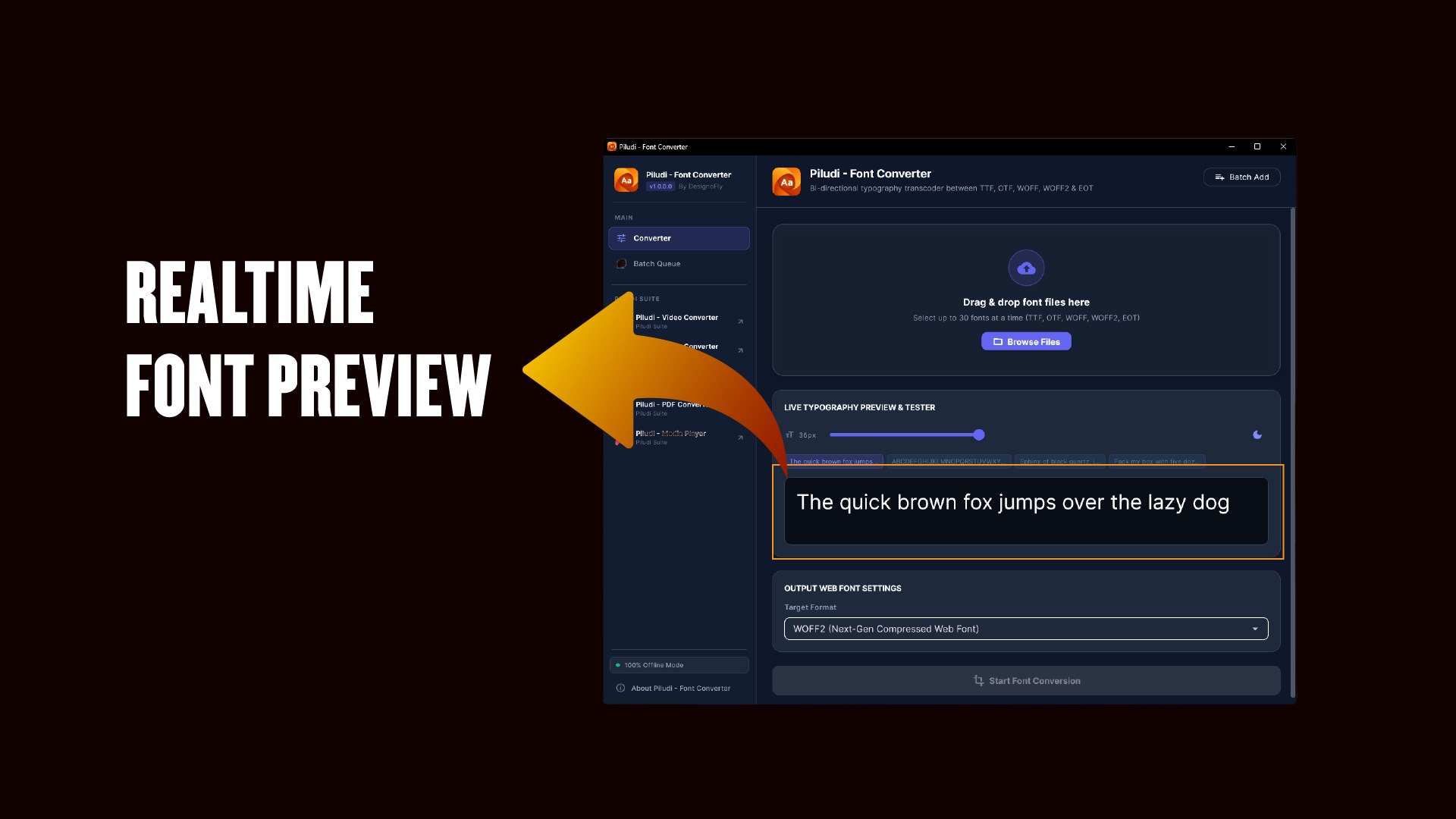
Live Typography Preview Tester with Contrast Toggle
Verify how your converted typography renders before deploying it to production websites.
- Live interactive text typing for custom sample text, pangrams, numerals, and punctuation.nDynamic fluid size slider scaling font sizes smoothly from 12px up to 96px.nContrast preview toggle: test rendering fidelity against dark and light backgrounds.
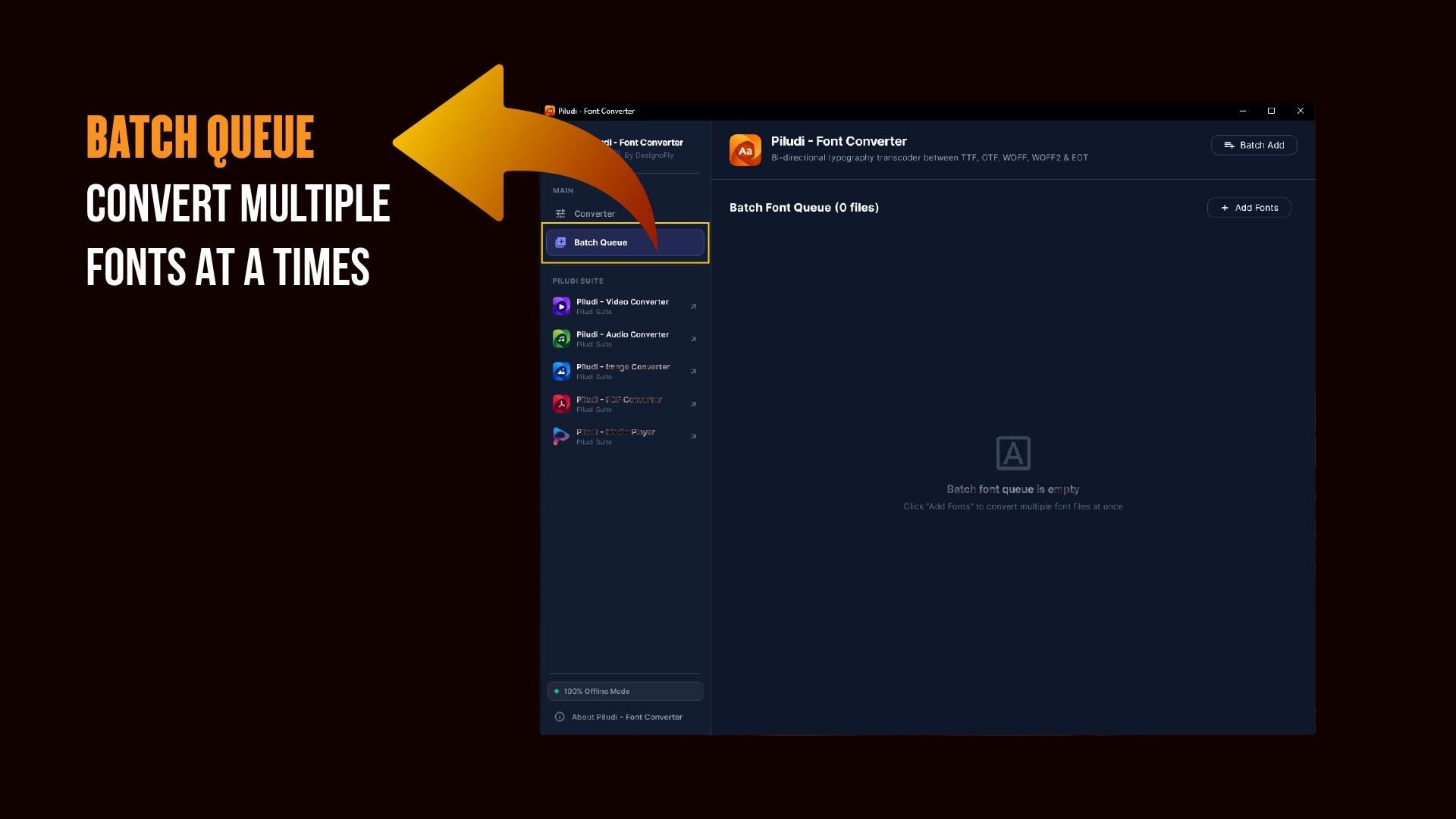
Multi-Font Batch Queue & 100% Offline Privacy
Convert entire font families simultaneously while keeping commercial typefaces secure.
- Drop complete font families (Light to Black, Roman and Italic) and batch convert to WOFF2 in seconds.nZero accounts, zero subscriptions, zero watermarks, and zero file limits.n100% offline desktop processing: zero telemetry, zero tracking, zero cloud data transfer.
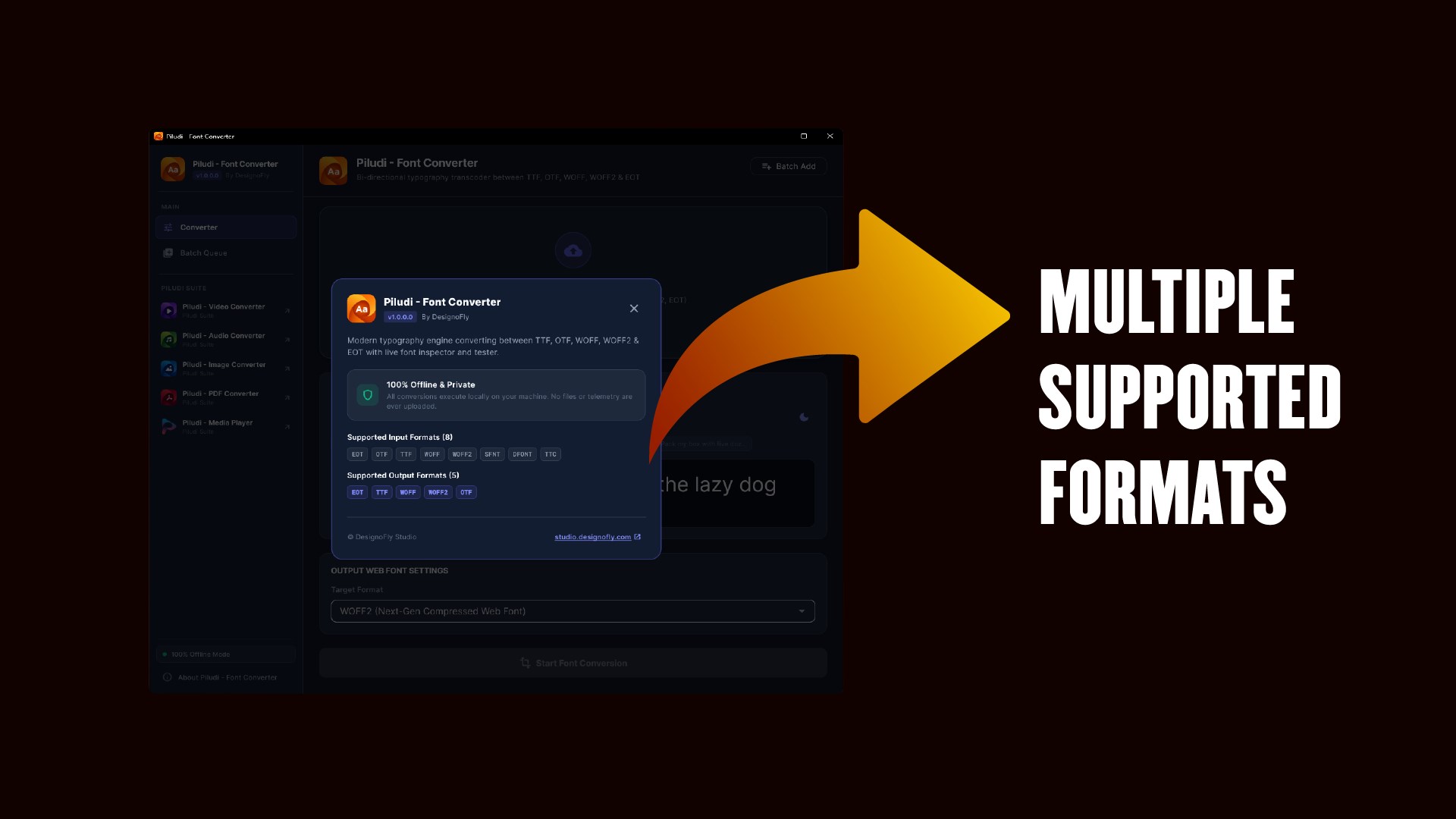
Universal Font Compatibility & Web Typography Matrix
8 Supported Source Font Formats:
5 Supported Output Formats:
What's New in Version 1.0.1.0
- What's New in Piludi - Font Converter (Version 1.0.1.0)
- ⚠️ CRITICAL UPDATE — HIGHLY RECOMMENDED FOR ALL USERS
- Mandatory Font Integrity Verification: Upgraded conversion pipeline to automatically re-parse and validate output SFNT tables before finalizing files, eliminating the risk of corrupted or unreadable TTF, OTF, WOFF, and WOFF2 font exports.
- Real-Time Progress Tracking (Major Fix): Resolved progress freezing where batch font conversions prematurely leaped to 96%. Every conversion now cleanly begins at 1% and advances smoothly with 50ms physics-based lerp animation.
- High-Efficiency Brotli & Zopfli Compression: Enhanced WOFF2 and WOFF compression pipelines to maximize web bandwidth savings while maintaining strict OpenType spec compliance.
- Windows Font Cache Safety: Updated the live in-app typography sandbox to prevent Windows font cache file locking during real-time preview testing.
- Suite Ecosystem Integration: Added direct cross-launch capabilities to all Piludi sister apps with updated suite navigation icons.
Ready to use Piludi – Font Converter locally on your PC?
Download directly from the official Microsoft Store — safe, verified, and 100% free.