
Piludi – Audio Converter
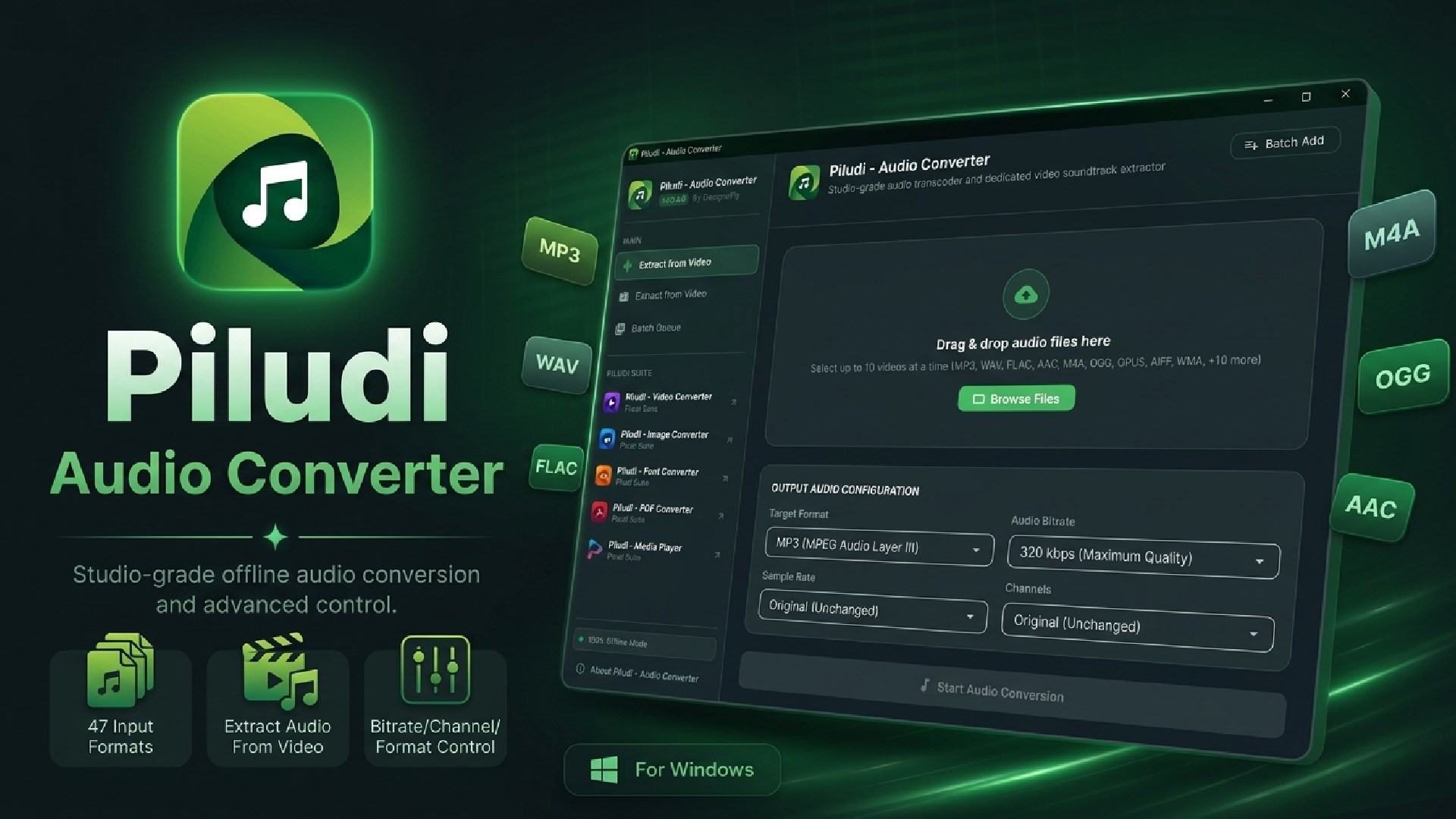
Studio-grade audio transcoder and dedicated video soundtrack extractor. Supports 47 input formats, 10 output formats, studio sample rates, bitrates, and multi-core batch queue.
App Interface & Workflow
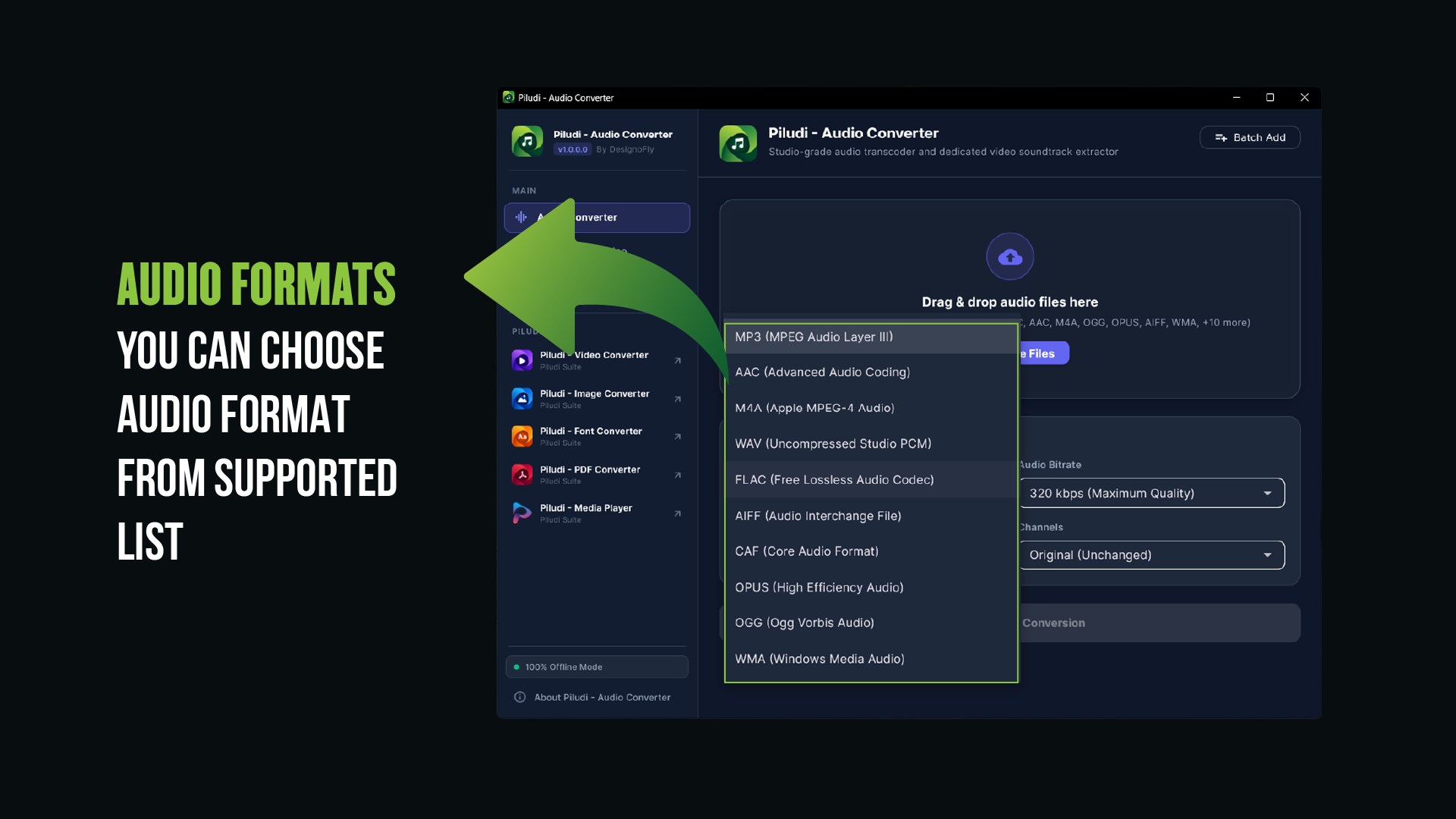
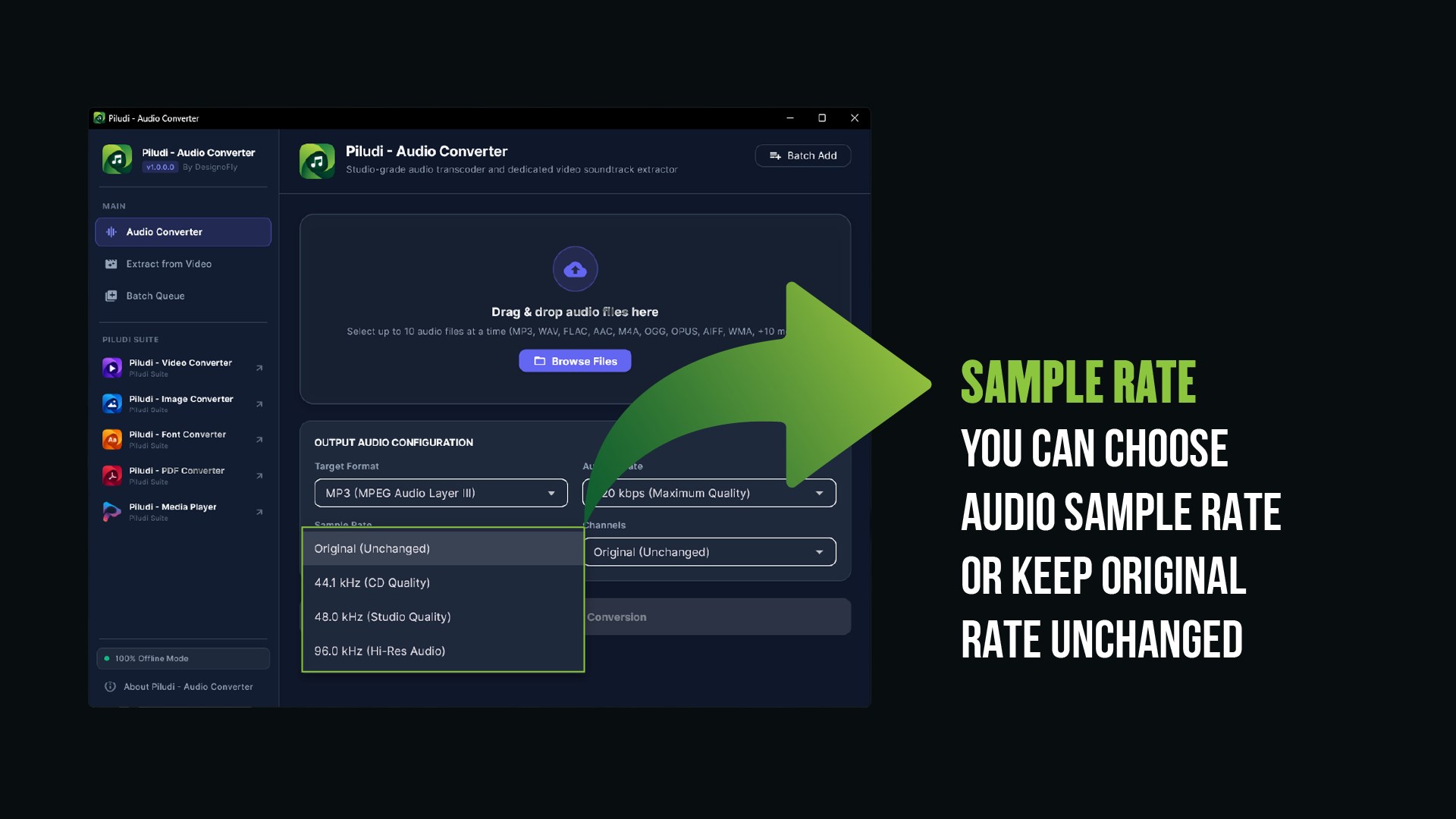
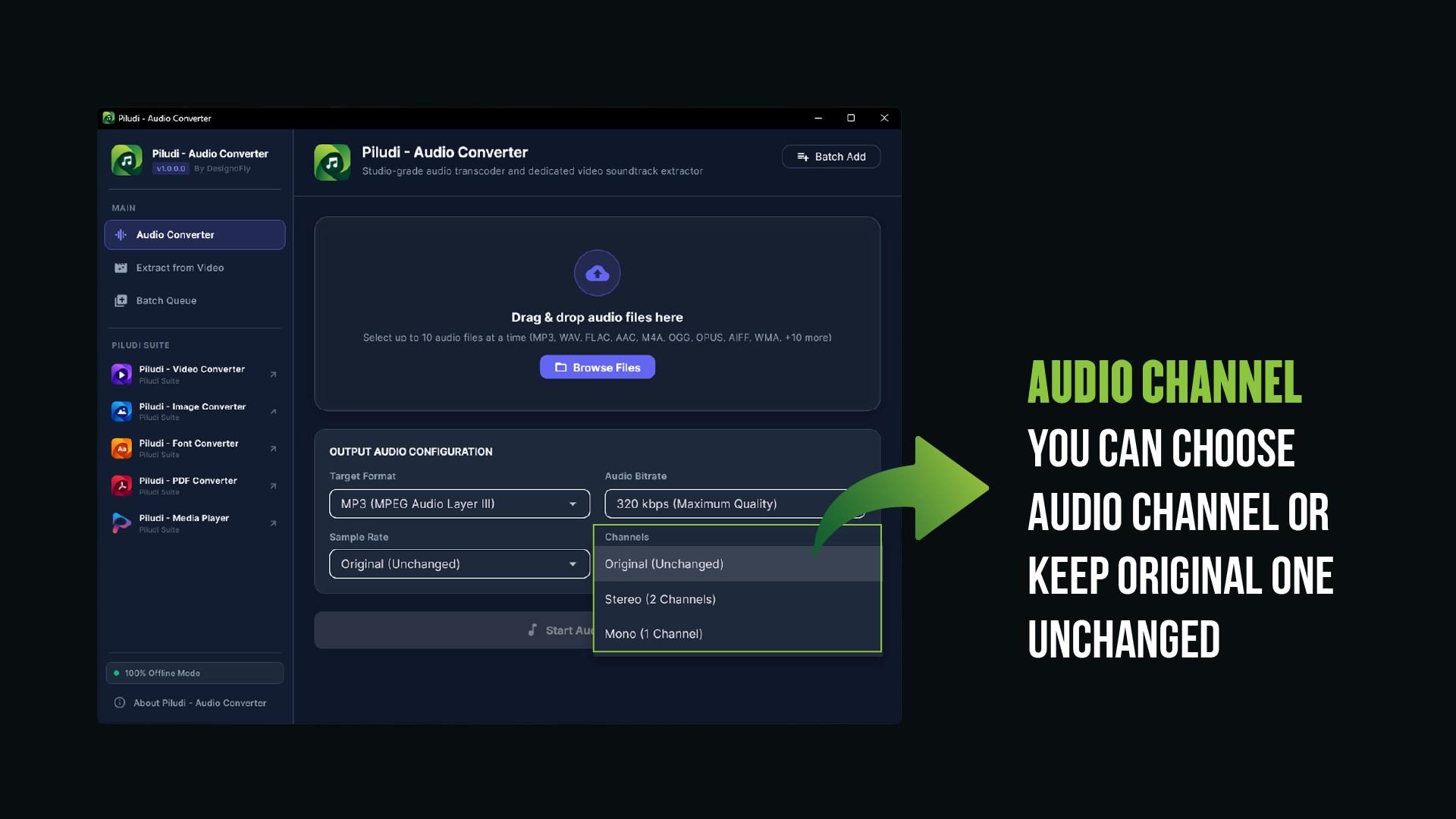
Features & Processing Modes
Studio-Quality Audio Conversions
Convert with complete control over your sound stage: bit-perfect lossless quality, acoustic depth, and high-efficiency mobile encoding.
- Lossless & Hi-Res Formats: FLAC, WAV, Apple Lossless (ALAC), and AIFF for uncompromised bit-depth and acoustic clarity.
- High-Efficiency Formats: MP3, AAC, M4A, Opus, and OGG Vorbis for mobile devices, car stereos, and portable players.
- Ultra-High Bitrate Control: Choose custom bitrates from 64 kbps up to 320 kbps Ultra-High Fidelity (CBR & VBR encoding).
Direct Audio Extraction from Videos
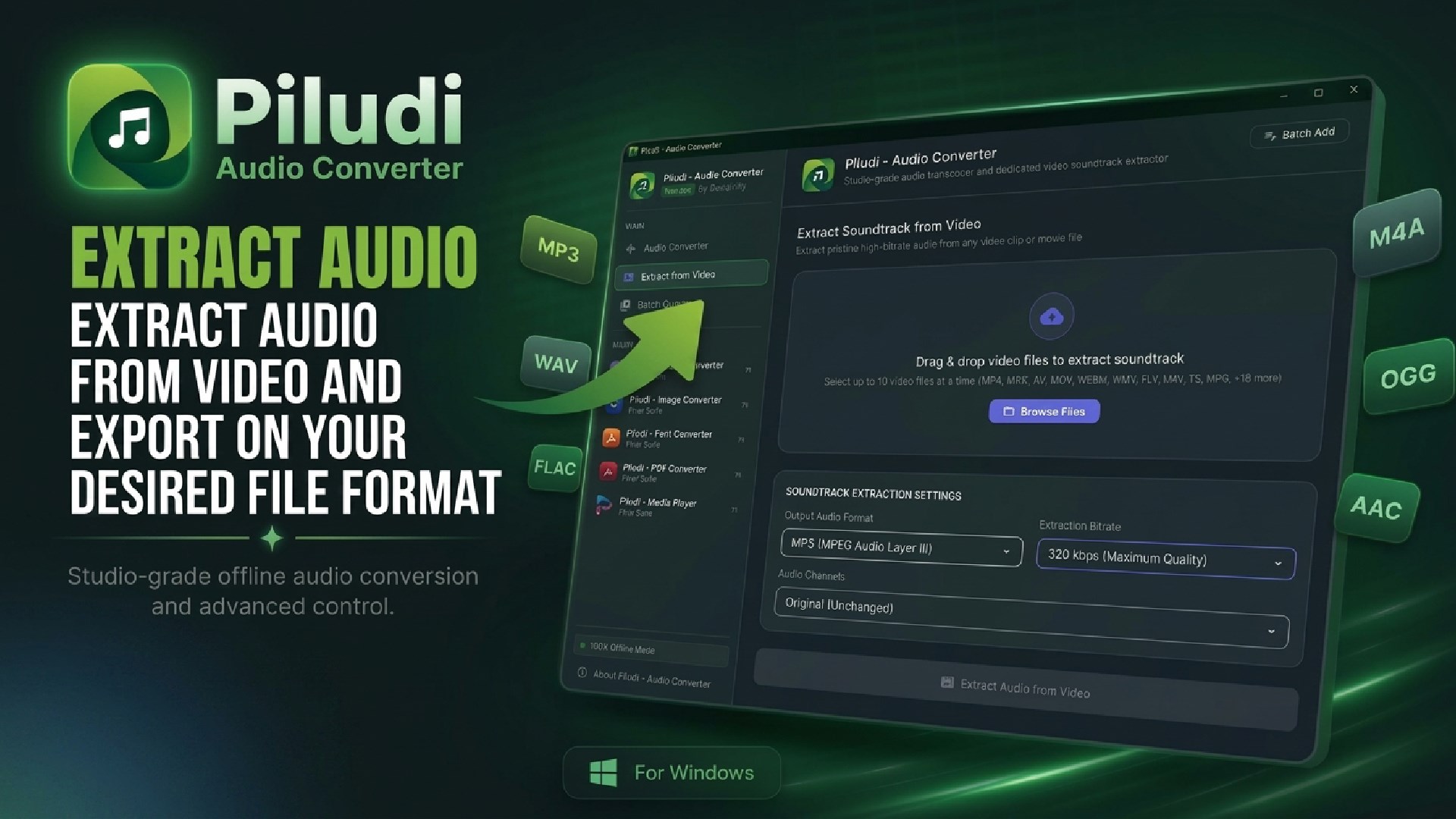
Extract the pure audio soundtrack in seconds from lecture recordings, concert videos, interviews, podcasts, or music videos without converting the heavy video stream.
- Broad Video Input Support: Drag and drop MP4, MKV, AVI, MOV, FLV, WebM, WMV, TS, VOB, 3GP, M4V, MTS, or MXF files directly.
- Instant Soundtrack Export: Extract pure audio directly into MP3, FLAC, AAC, WAV, or Opus in seconds.
- Preserves Source Fidelity: Bit-perfect extraction without video decompression artifacts or generation loss.
Studio Sample Rates & Channel Reconfiguration
Fine-tune playback acoustics to match professional audio hardware, broadcast standards, or vocal recording requirements.
- Studio Sample Rates: Keep Original (Unchanged), 44.1 kHz (CD Quality), 48.0 kHz (Broadcast/Video Standard), or 96.0 kHz (Hi-Res Master).
- Channel Reconfiguration: Instant Stereo, Joint Stereo, or Mono downmixing tailored for podcasts and voice interviews.
- Audiophile Dynamic Range: Clean frequency response without artificial harmonic clipping or compression.
Multi-Core Batch Processing & 100% Offline
Convert entire music libraries, discographies, album collections, or podcast archives simultaneously with full multi-threaded CPU parallelization.
- Multi-Threaded Parallel Engine: Drop dozens of files simultaneously into the batch queue for blazing-fast conversions.
- 100% Private & Air-Gapped: Zero accounts, zero subscriptions, zero data collection, zero telemetry, and zero cloud uploads.
- Modern Windows 11 Interface: Clean Fluent Dark Mode design with intuitive drag-and-drop workflow.
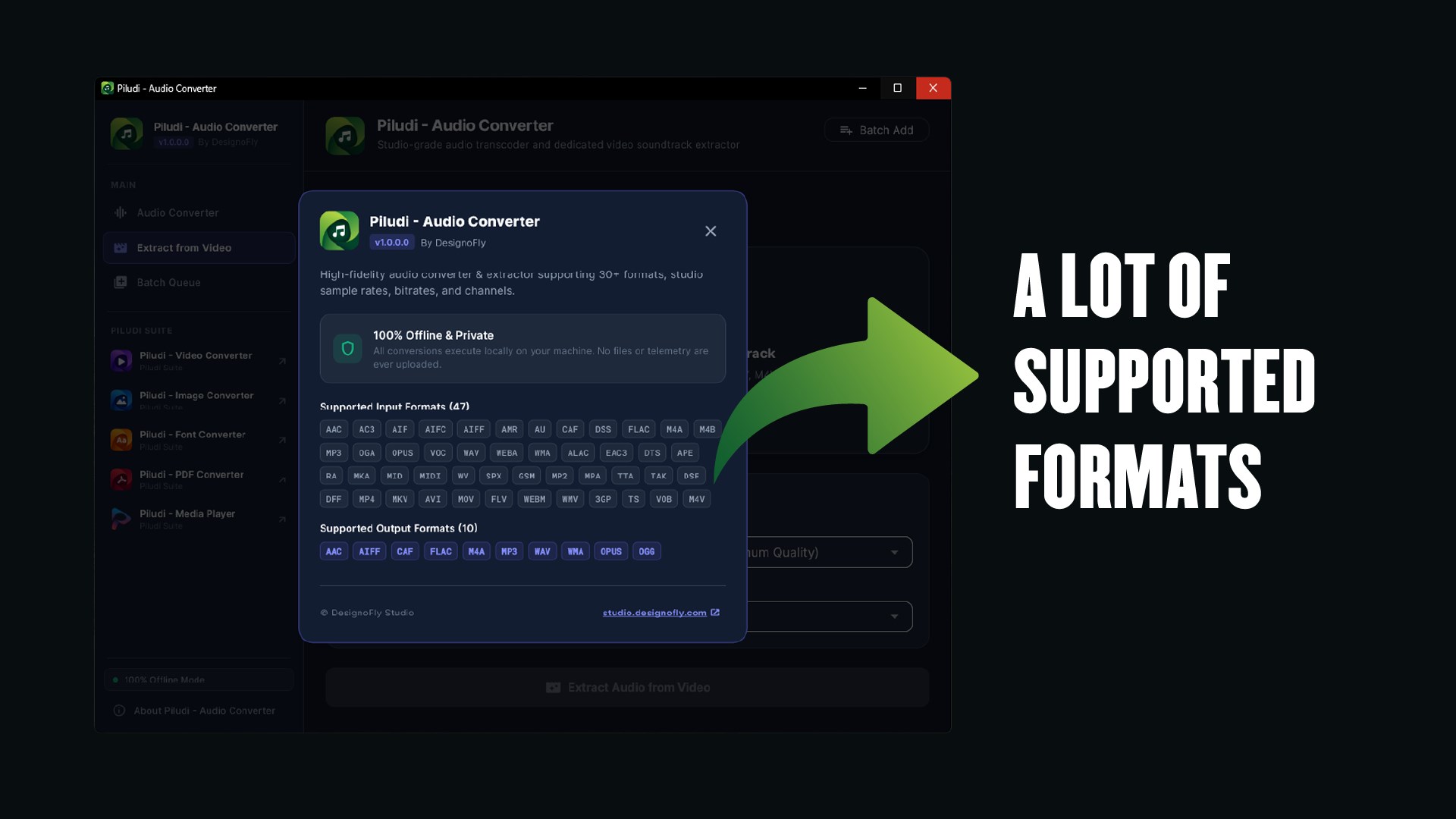
47+ Audio & Video Extraction Matrix
47 Supported Input Formats:
10 Supported Output Formats:
What's New in Version 1.0.0.0
- Official Release: Piludi – Audio Converter v1.0.0.0 is live on Microsoft Store.
- Broad Acoustic Compatibility: Supports 47 input formats (35+ audio & 12 video sources) and 10 output formats.
- Direct Video Soundtrack Extraction: Extract pure audio from MP4, MKV, MOV, AVI without video re-encoding.
- Audiophile Fidelity: Studio sample rates up to 96 kHz, bitrates up to 320 kbps Ultra-High, lossless FLAC, WAV, ALAC, AIFF.
- Multi-Core Batch Processing: Convert entire libraries and podcast archives simultaneously.
- 100% Offline & Private: Zero telemetry, no cloud uploads, completely secure local processing.
Ready to use Piludi – Audio Converter locally on your PC?
Download directly from the official Microsoft Store — safe, verified, and 100% free forever.