
Free Video Converter
A powerful, completely free, and fully offline Windows desktop app for fast video format conversion, 4K/2K resolution upscaling, and smart compression with zero quality loss.
App Interface & Workflow
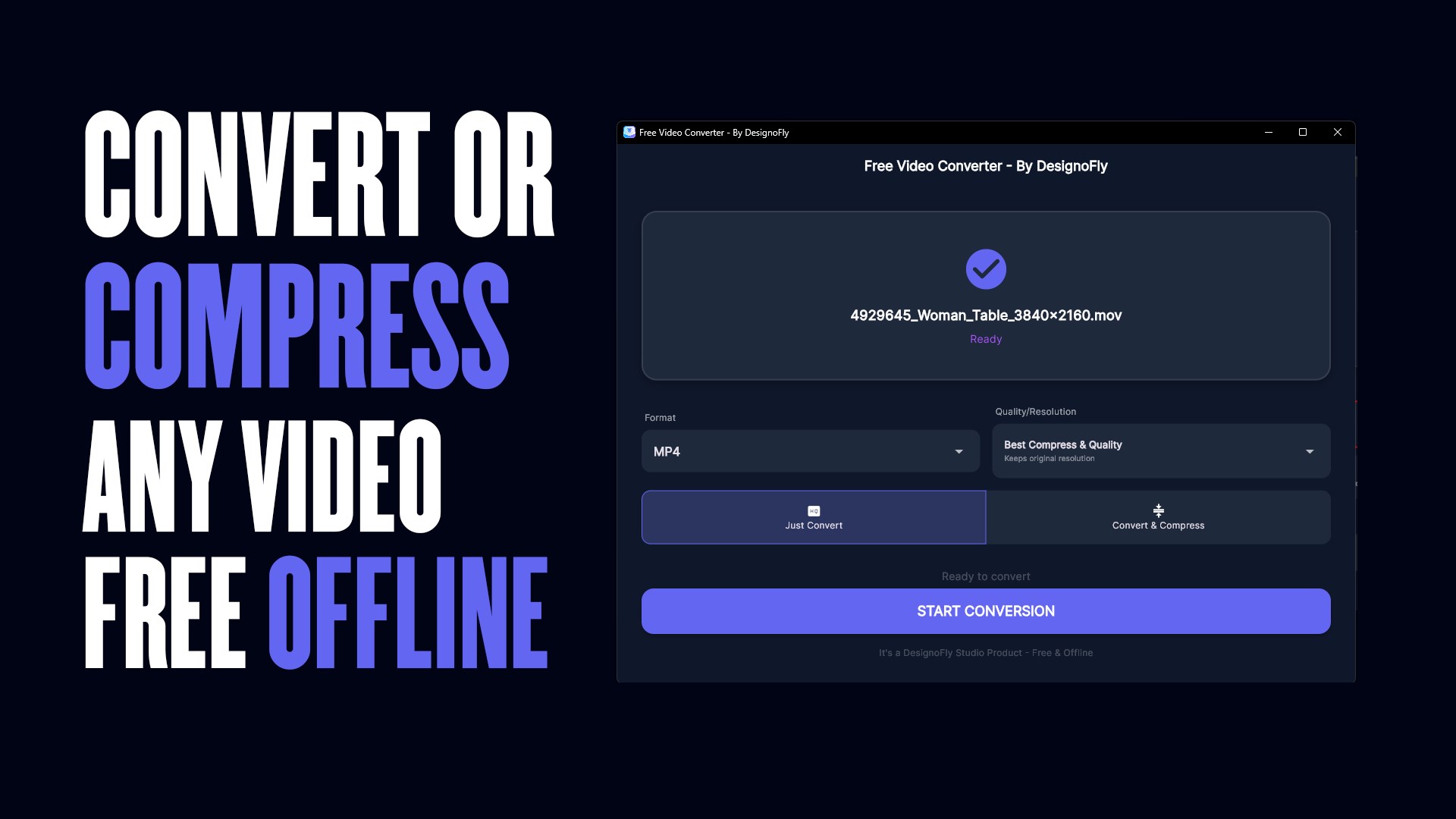
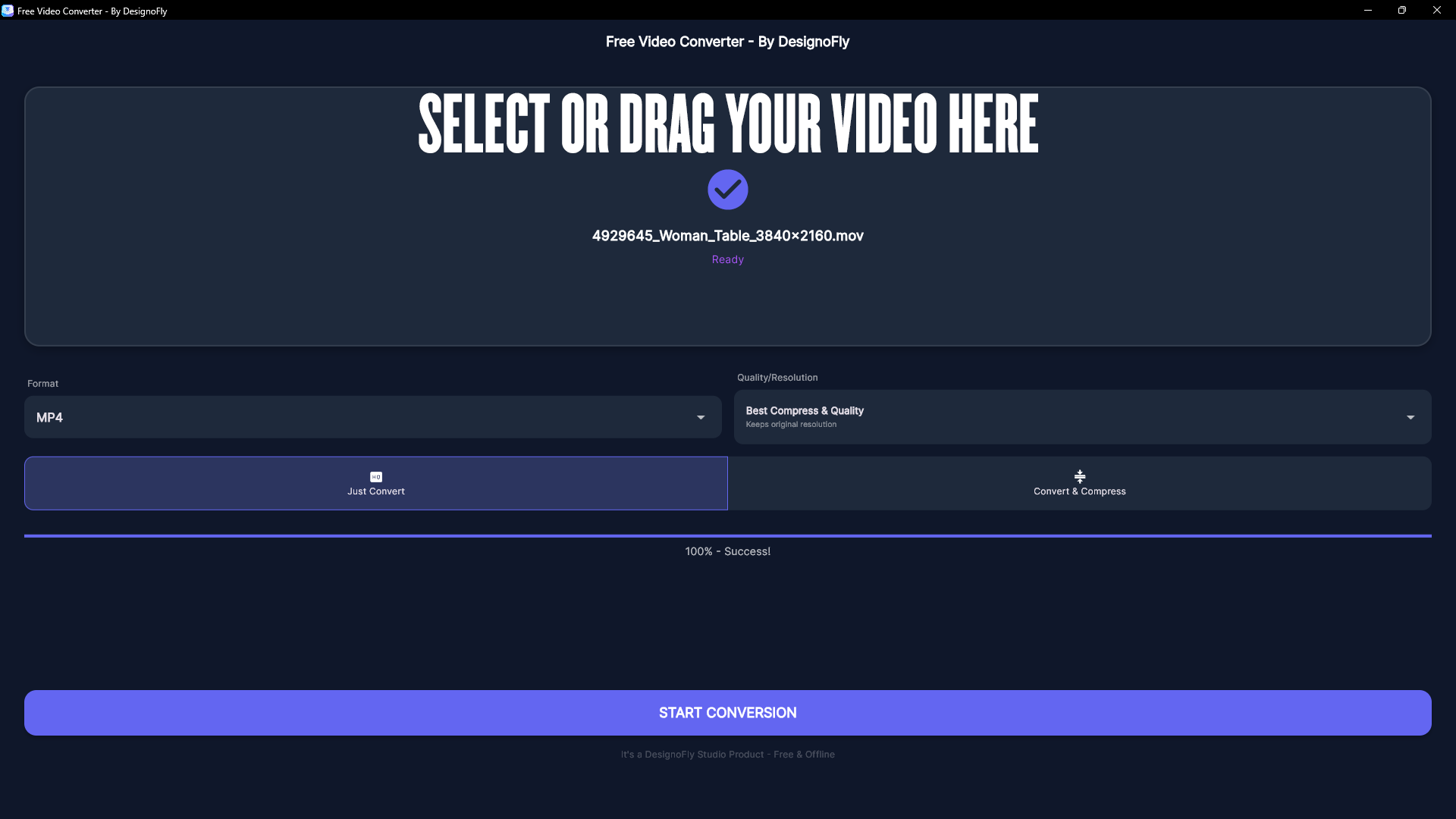
Features & Processing Modes
Just Convert Format
Need to switch formats without losing visual quality? When keeping original resolution, the engine uses Stream Copy to finish in seconds with 100% zero quality loss.
- Instant Stream Copy: Instant container swap without re-encoding.rnNear-Lossless Upscaling: High-bitrate encoding when upscaling.rnMulti-Track Audio: Keeps original audio channels intact.
Convert & Compress
Drastically reduce file sizes for easy sharing on WhatsApp, Discord, email, or saving cloud storage space while preserving crisp clarity.
- The 2GB Rule: Any video under 4 hours automatically compresses under 2GB.rnAdvanced Bitrate Engine: Intelligent CRF & two-pass rate control.rnWeb-Optimized: Fast start flags enabled for instant web playback.
Supported Formats Matrix
28 Input Formats Supported:
9 Export Formats:
What's New in Version 1.0.1
- What's New in Version 1.0.1.0
- 1. Massive Format Support Update: We've massively expanded our format support! You can now import 28 different video formats (including 3GP, AVI, FLV, MKV, MOV, MP4, MPEG, TS, WMV, WEBM, and many more).
- 2. More Export Options: Added support for exporting to 9 of the most popular video formats (MP4, HEVC/H.265, MKV, AVI, MOV, WEBM, WMV, FLV, and TS).
- 3. Dramatically Improved Compression: We completely rewrote our compression engine. The "Convert & Compress" mode is now much smarter and significantly more aggressive at reducing file sizes while maintaining excellent visual quality.
- 4. Guaranteed 2GB Output: A new smart-scaling rule guarantees that any video under 4 hours long will always stay comfortably under 2GB after compression.
- 5. Lightning Fast "Just Convert" Mode: If you just need to change the file format without altering the resolution, the app now uses a lightning-fast stream copy method that finishes almost instantly with zero quality loss.
- 6. Fixed Resolution Scaling: You can now perfectly upscale or downscale your videos (e.g., 1080p up to 4K, or 4K down to 720p). The app intelligently handles the resizing while preserving the correct aspect ratio.
- 7. Drag & Drop Improvements: The drag-and-drop file upload experience has been polished to be smoother and more reliable.
- 8. Under-the-hood stability improvements and better video codec matching (especially for WMV and AVI exports).
Ready to use Free Video Converter locally on your PC?
Download directly from the official Microsoft Store — safe, verified, and 100% free forever.